Blog

  • AI Paper Update: new AI writing with significantly higher quality


    TL; DR

    AI Paper has been upgraded and the output papers have a much better quality.


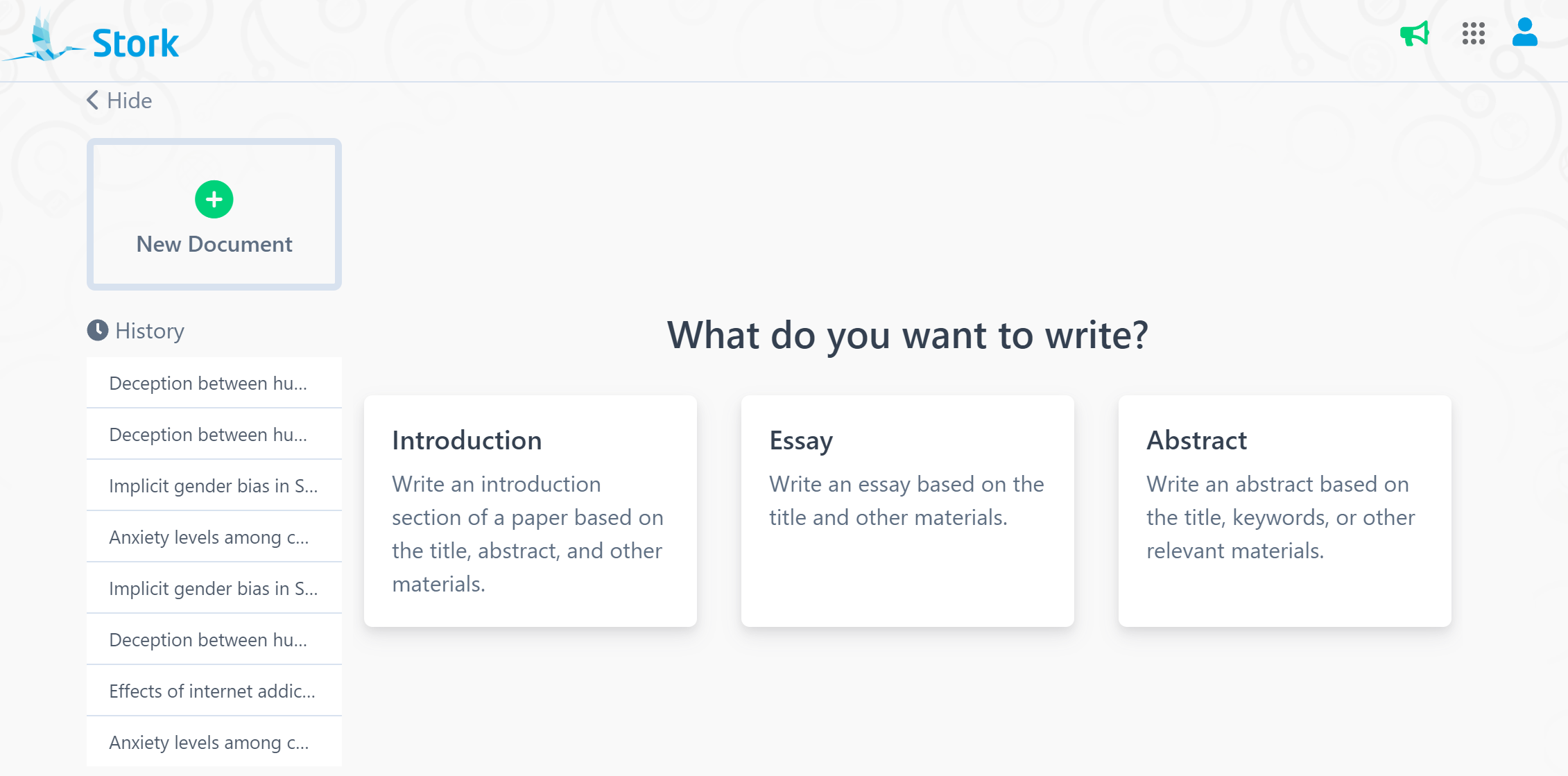
    AI Paper can automatically generate high-quality introductions, essays, and abstracts based on the research title and any relevant materials you provide (such as keywords, subheadings, methods, results, etc.). With the latest updates, AI Paper is set to make your writing process smoother and more personalized than ever.


    Whatโ€™s New with AI Paper?


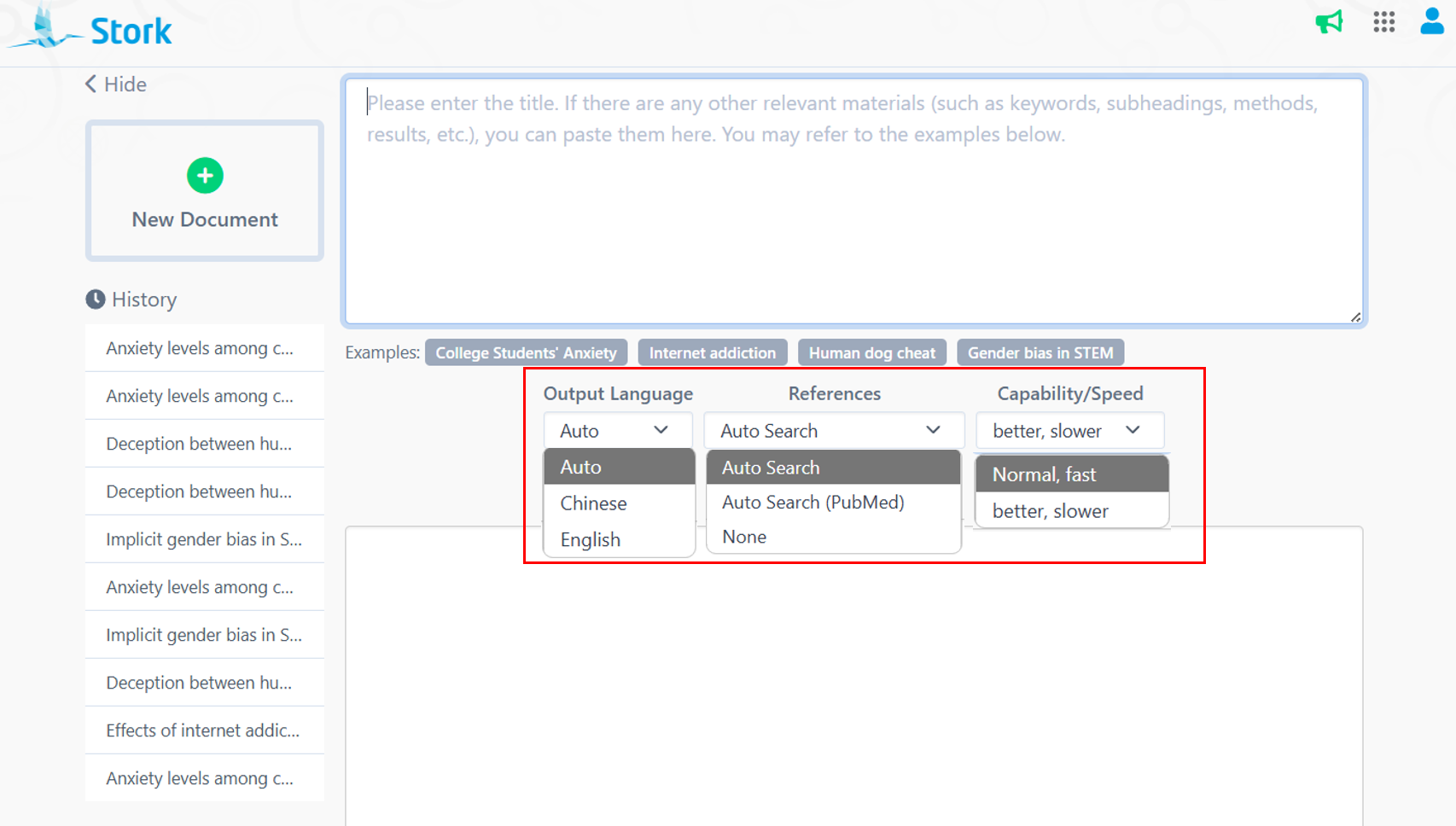
    Output Language options: You can now choose from multiple output languages (English or Chinese, other languages coming) based on your specific needs. If you enter your title in a foreign language (e.g. Chinese), but want the article to be written in English, you can select "English" under the Output Language option. If you choose "Automatic", AI Paper will generate content in the language you input.


    Expanded Reference Options: The new Reference feature offers more comprehensive research options. Choose from "Automatic Search" for references from all sources, "Automatic Search (PubMed) " for PubMed-specific references, or "No References" if citations aren't required.


    Improved Writing Capability: The biggest highlight of this update is the Capability option! AI Paper now allows you to choose which model to use, "Normal, Fast" or "Better, Slower".


    Which Version Should You Choose?


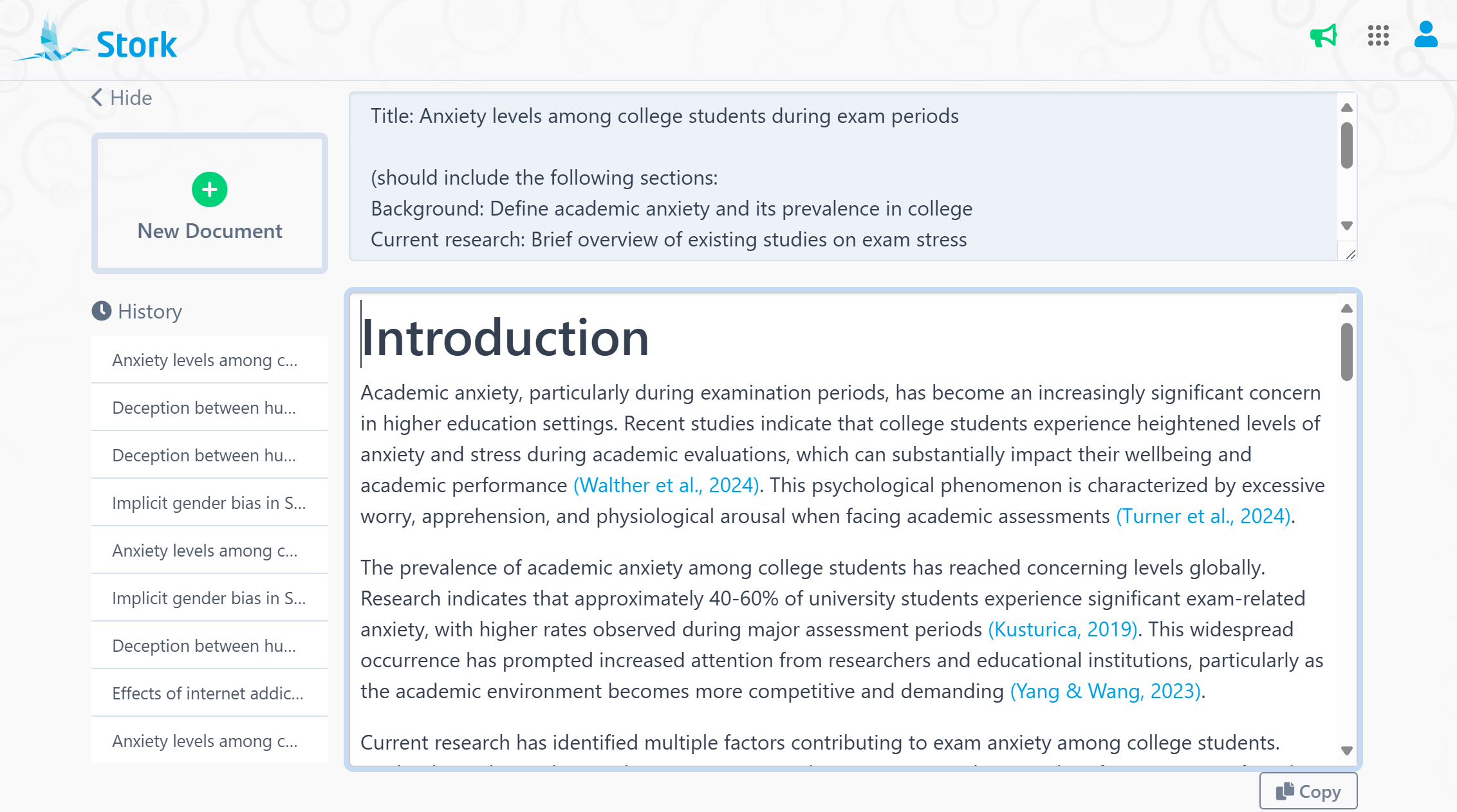
    Let's explore how AI Paper handles the topic "Anxiety levels among college students during exam periods", comparing results from two writing models.
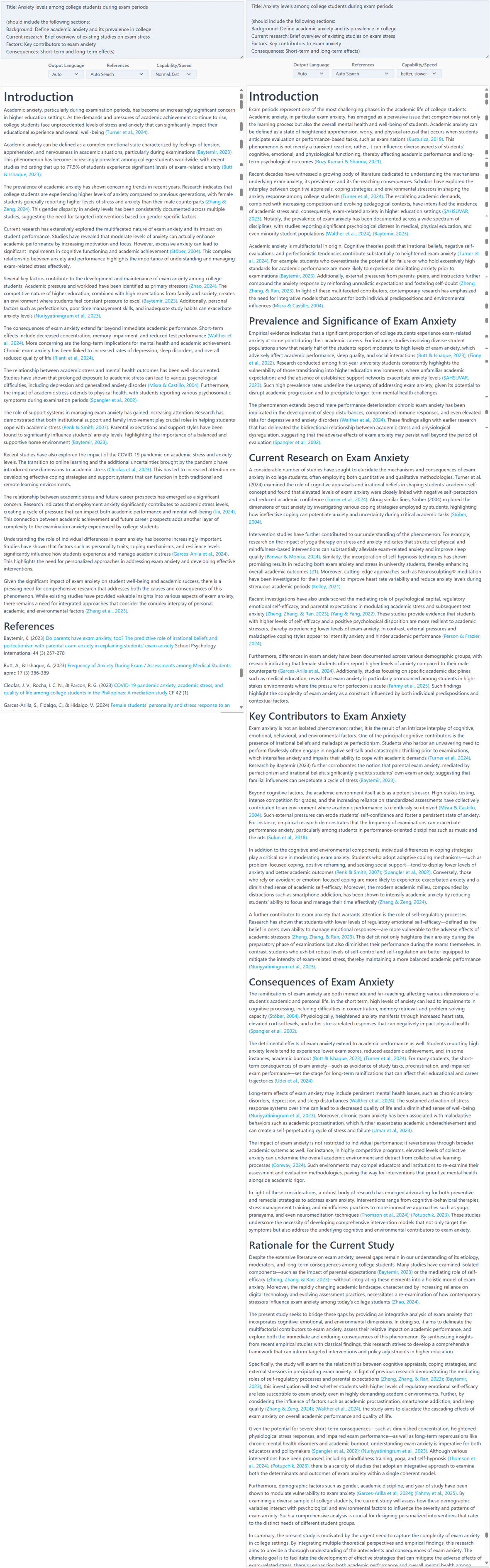

    First Version: Clear structure that logically flows from introducing the issue to explaining its causes and effects. This structure quickly helps readers understand the research background and objectives. However, the content is somewhat broad, lacking depth in existing research and missing a systematic analysis of how various factors interact.

    Second Version: The addition of subheadings makes the structure more organized and reader-friendly. The theoretical discussion is more in-depth compared to the first, with a stronger theoretical foundation. In addition to the prompt we provide, AI Paper suggests that incorporating additional theory can better elaborate on the topic, reflecting a deeper level of reasoning from this version. The second version also provides richer, more complete information.

    Depending on your needs, you can select the best writing model for your purpose. If you're preparing a PowerPoint, the first version's concise approach may be ideal. However, for a more in-depth exploration, the second version will give you a more thorough analysis.


    Discover the latest AI Paper functionalities to make writing much easier. Give it a try now!


    How to Use?

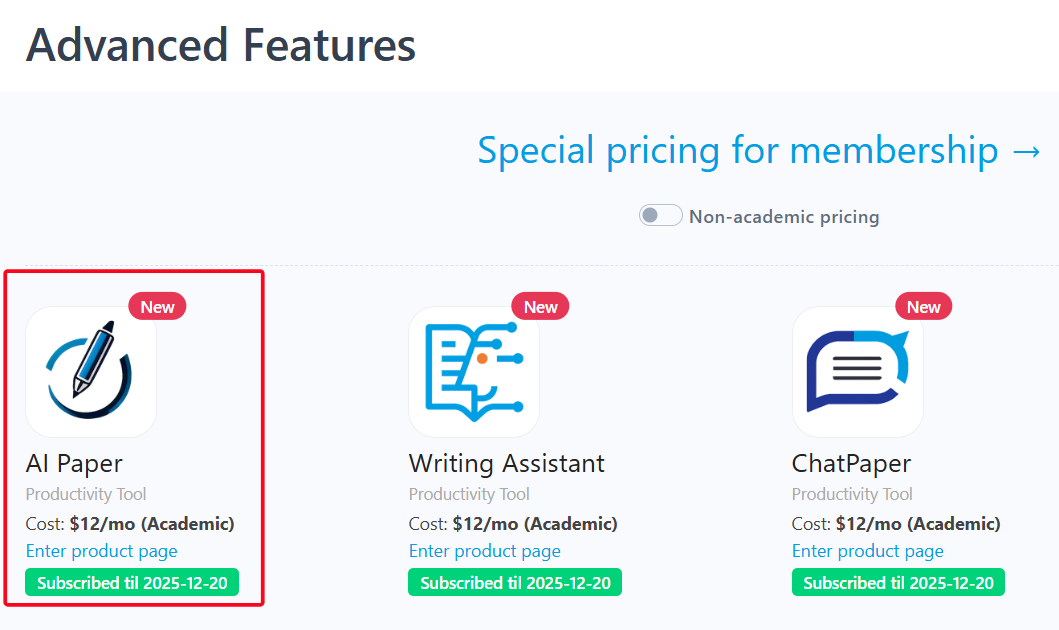
    AI Paper is an advanced feature offered by Stork, which requires subscription (registered users can try 10 articles for free). After registering/logging in to Stork (https://www.storkapp.me), you can find AI Paper under the advanced features section. Then you can try it out or subscribe. Alternatively, you can visit the official AI Paper website directly at https://www.storkapp.me/aipaper/


  • 2024 Recap: 15 Major Updates from Stork


    As we enter the year 2025, Stork is proud to mark another year of supporting researchers globally. Throughout the past year, we have dedicated ourselves to incorporating your feedback, enhancing current features, and launching new tools. Our aim? To streamline, expedite, and enhance your research experience. Let’s review Stork’s standout moments from 2024! โœจ


    AI Paper


    In 2024, we introduced AI paper, a cutting-edge tool designed to assist in crafting scientific introductions, essays, and abstracts by generating content based on user input, complete with authentic references. Writing used to feel like navigating a maze in the darkโ€”but with AI Paper, itโ€™s like flipping on a light switch. Clarity is achieved, and productivity is greatly enhanced.

    Writing Assistant 


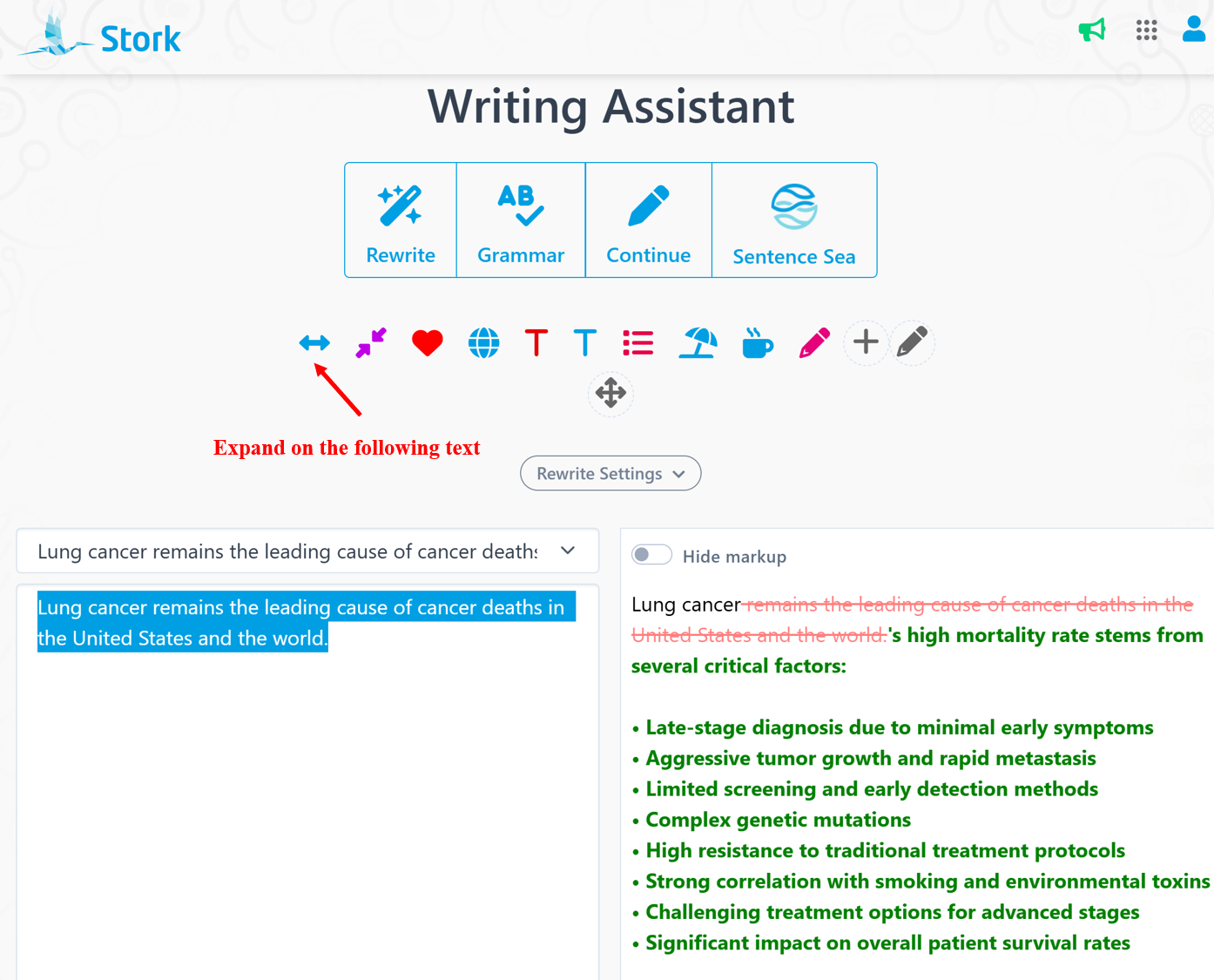
    Our Writing Assistant, available on both the web and Word plugin, received three major updates last year:

    1

    Custom Instructions

    You can create custom instructions based on your needs, enabling personalized text processing and writing assistance.

    2

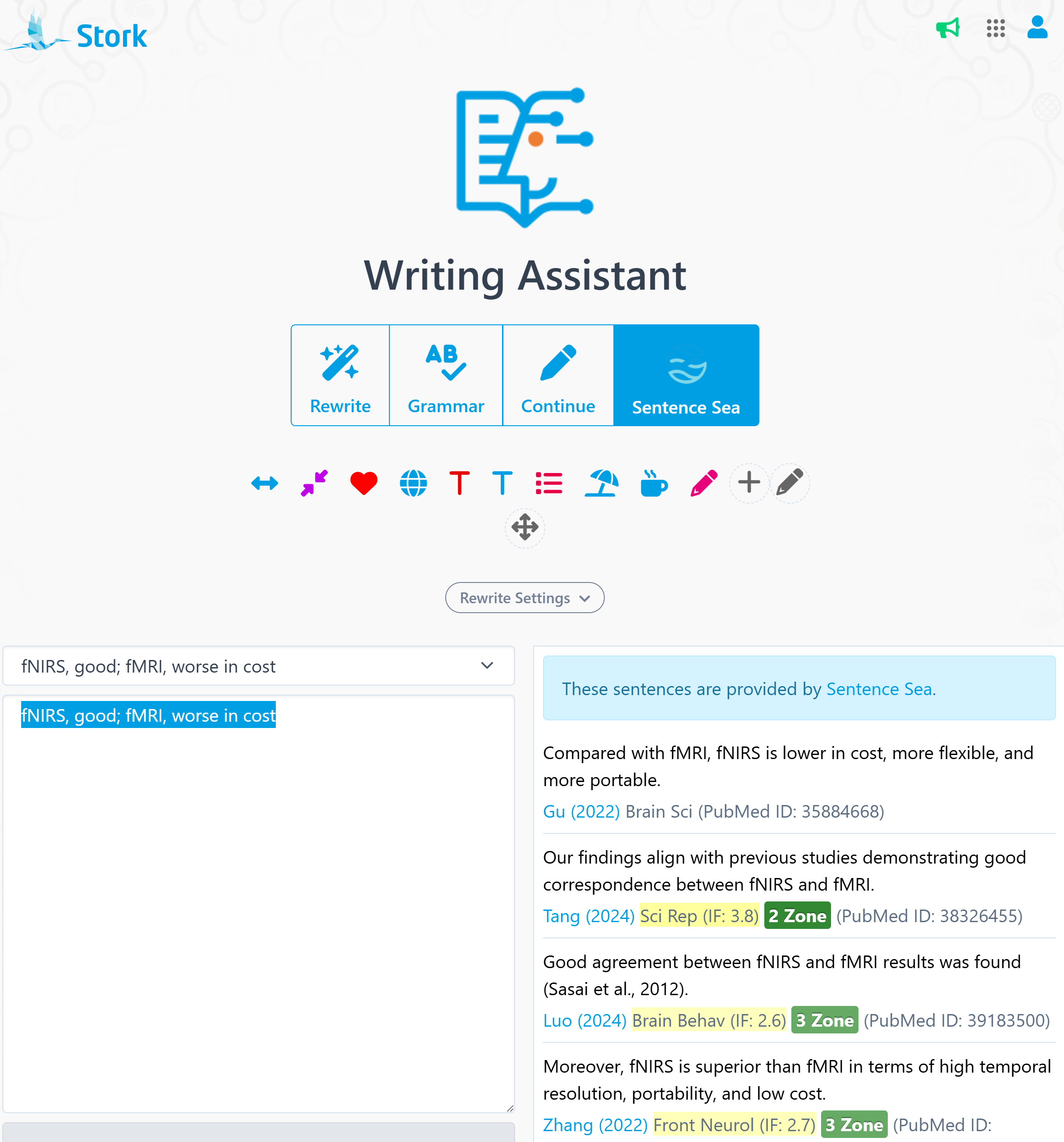
    Sentence Sea Integration

    The Sentence Sea integration can help you find similar sentences in a vast array of literature, providing inspiration and evidence for your writing. 

    3

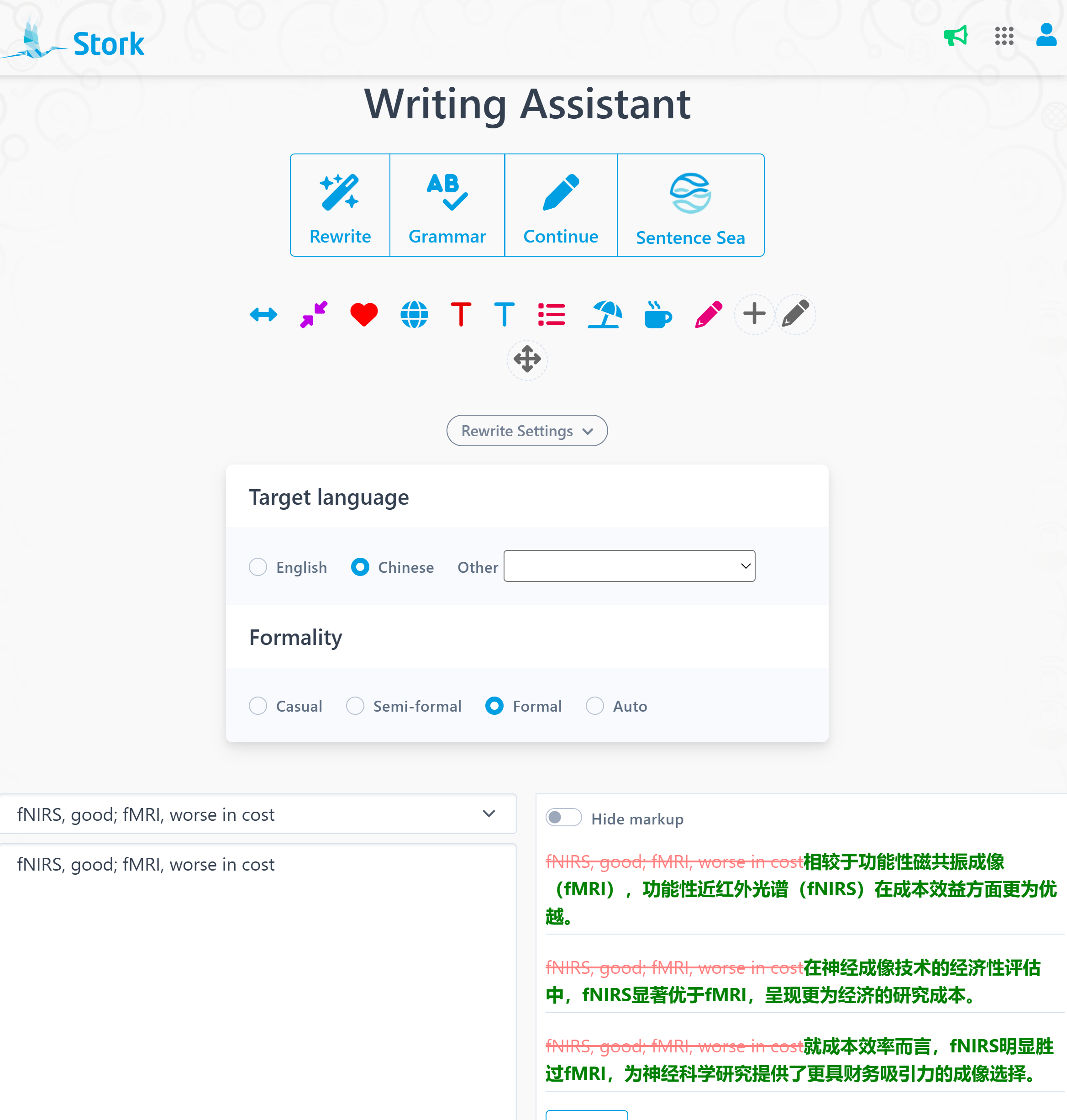
    Polish in other languages 

    In addition to English, you can choose Chinese (and other languages) as the target language, allowing you to polish text in other languages.

    These updates make writing more flexible and efficient than ever before.


    ChatPaper


    ChatPaper, your trusted companion for reading and analyzing research papers, introduced four significant improvements:

    1

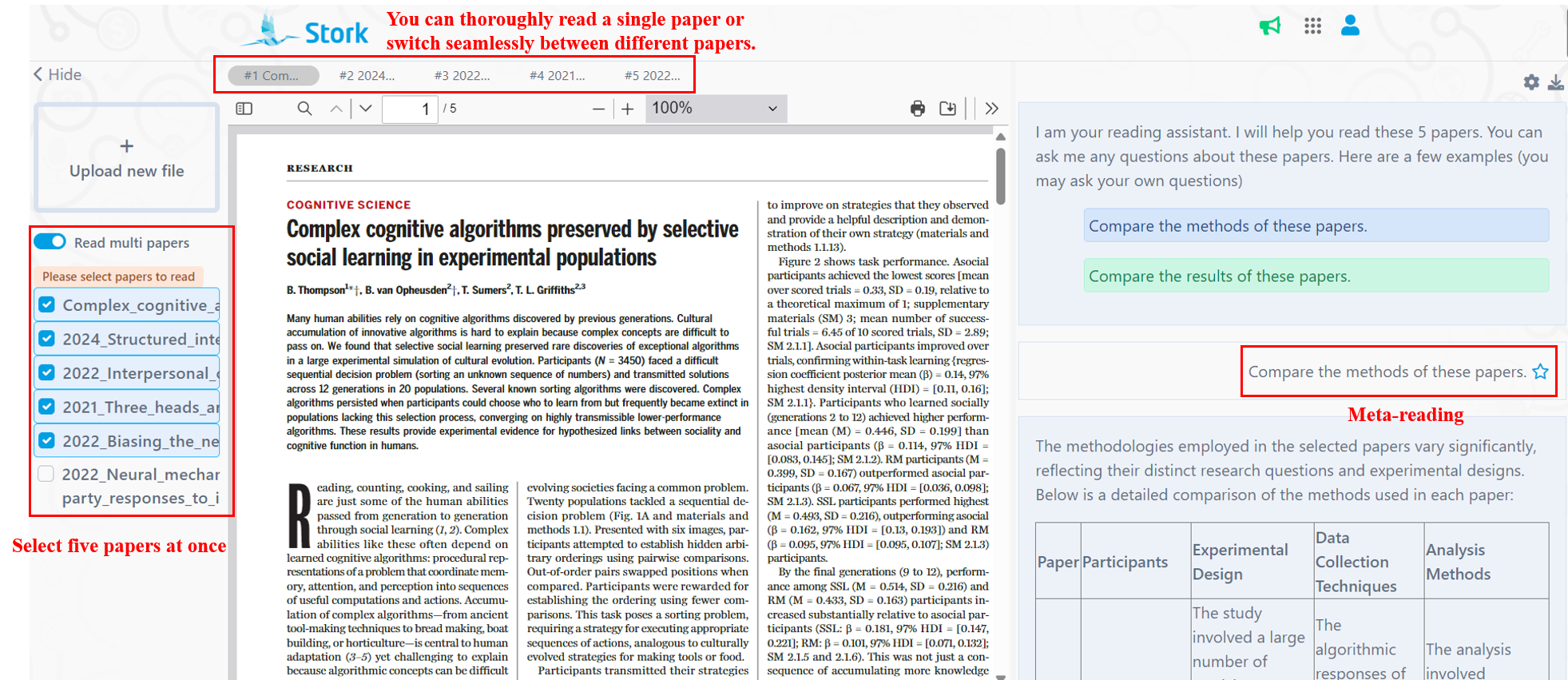
    Reading 5 Papers Simultaneously

     At the beginning of the year, ChatPaper had just completed an update to read two papers at the same time, and was updated again right after the end of the year. Now you can read five papers at a time, making it easy to compare the similarities and differences between the them.

    2

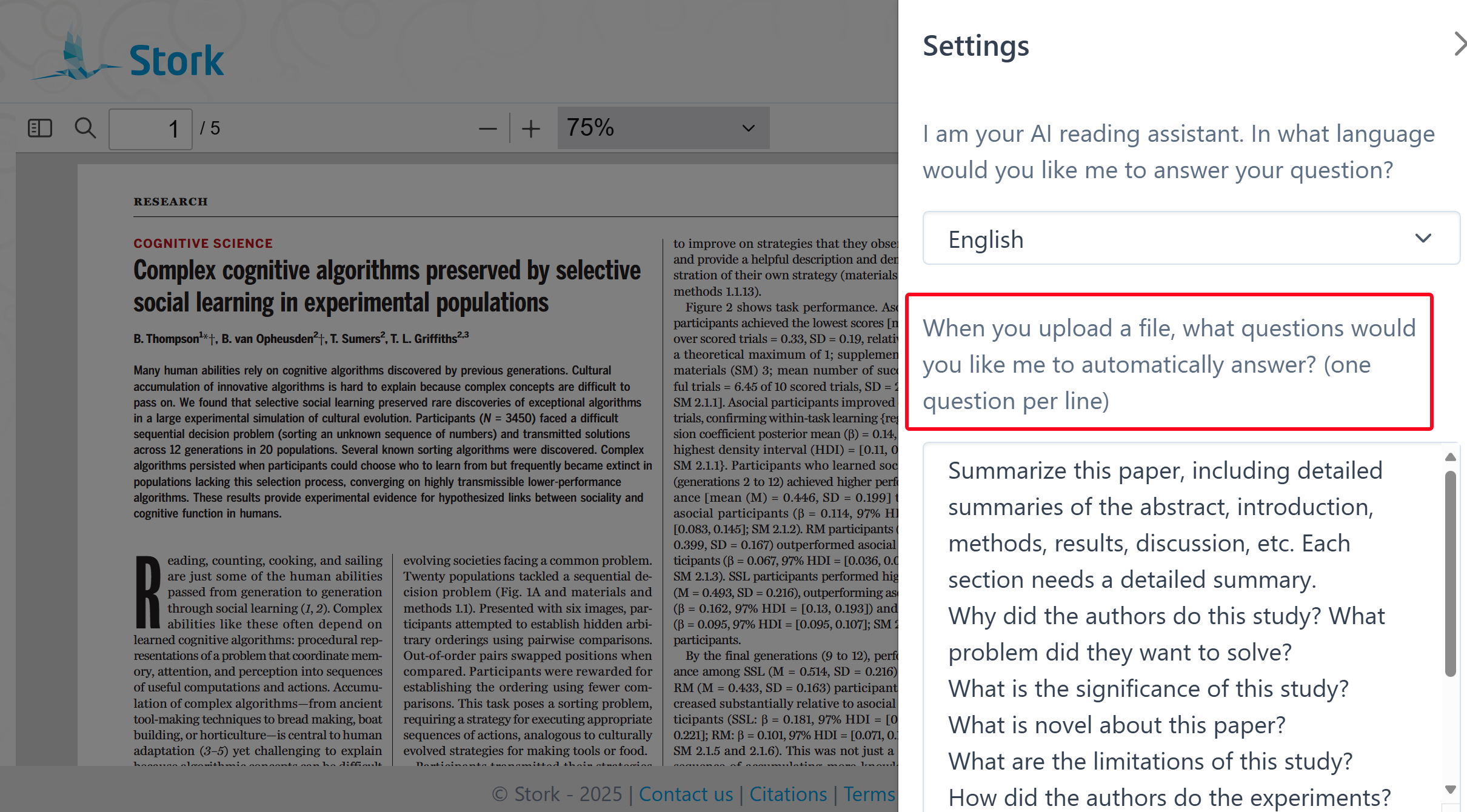
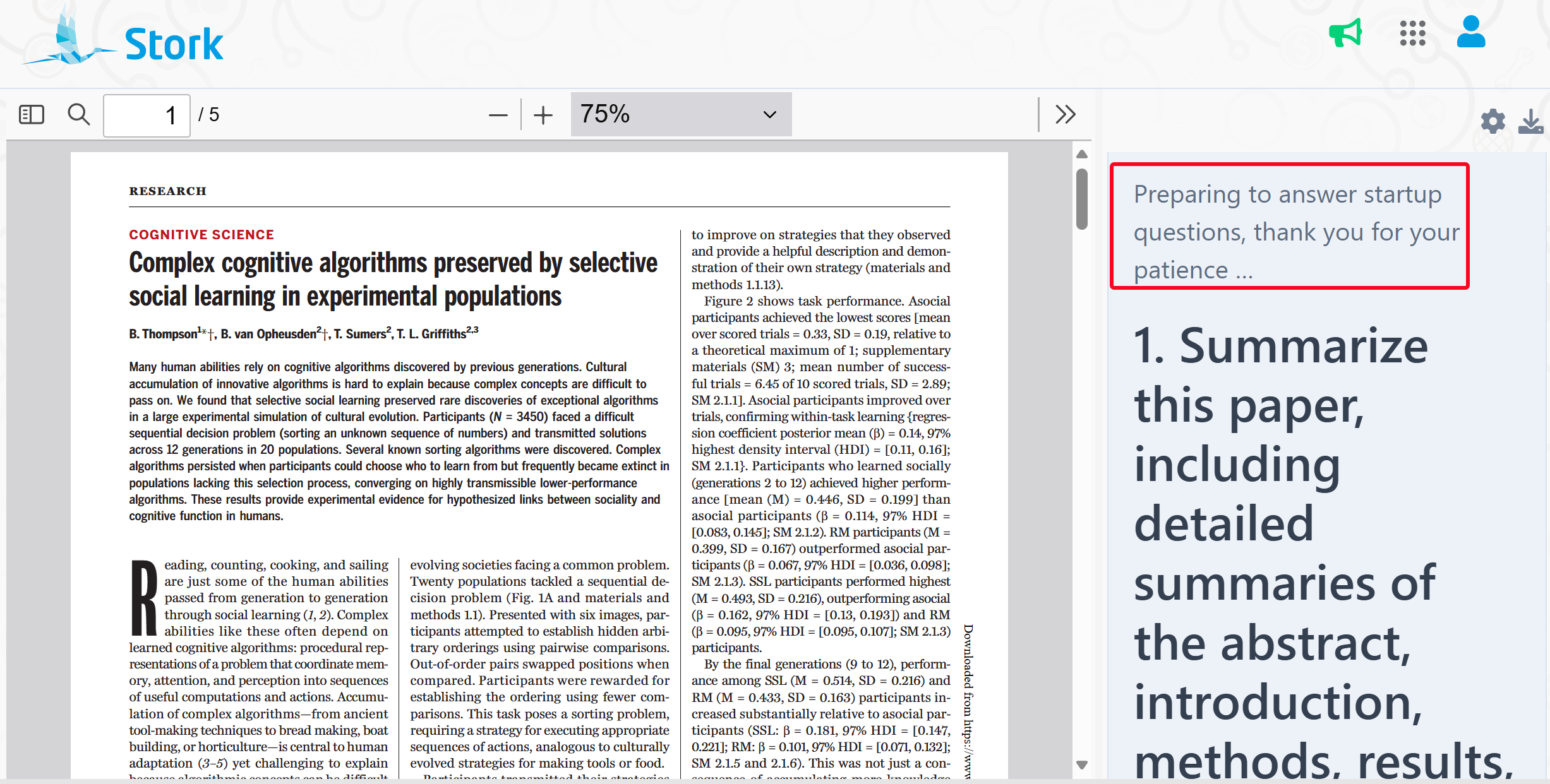
    Startup Questions

    You can set some questions in advance. When you upload a paper, ChatPaper will automatically answer these questions for you.

    3

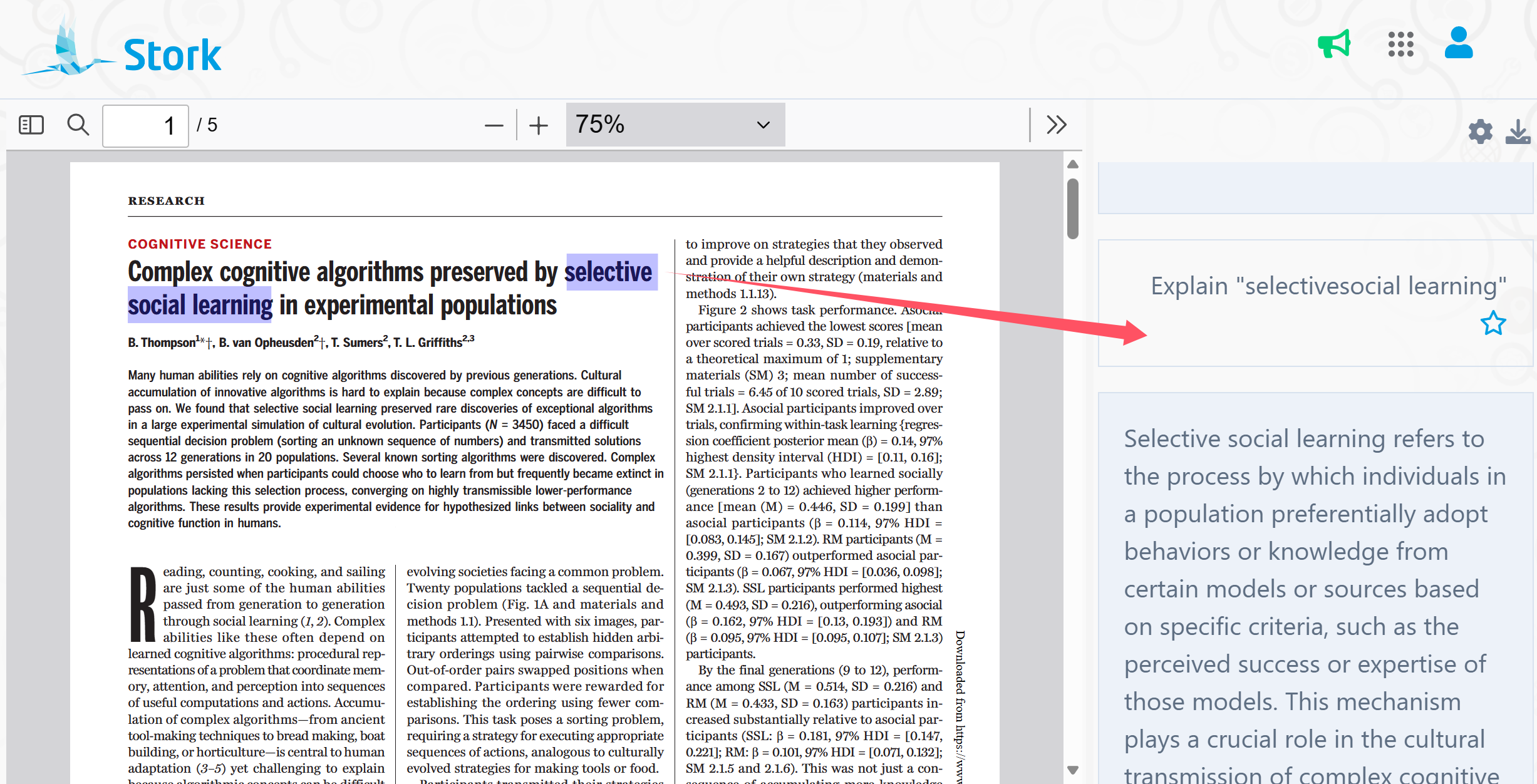
    Explain or translate

    Instantly translate sentences or explain term without needing extra clicks.

    Free publication tracking and Stork Pro


    To date a large number of users have subscribed to publications tracking through Stork, and we continued to optimize the function to improve the user experience in 2024.

    1

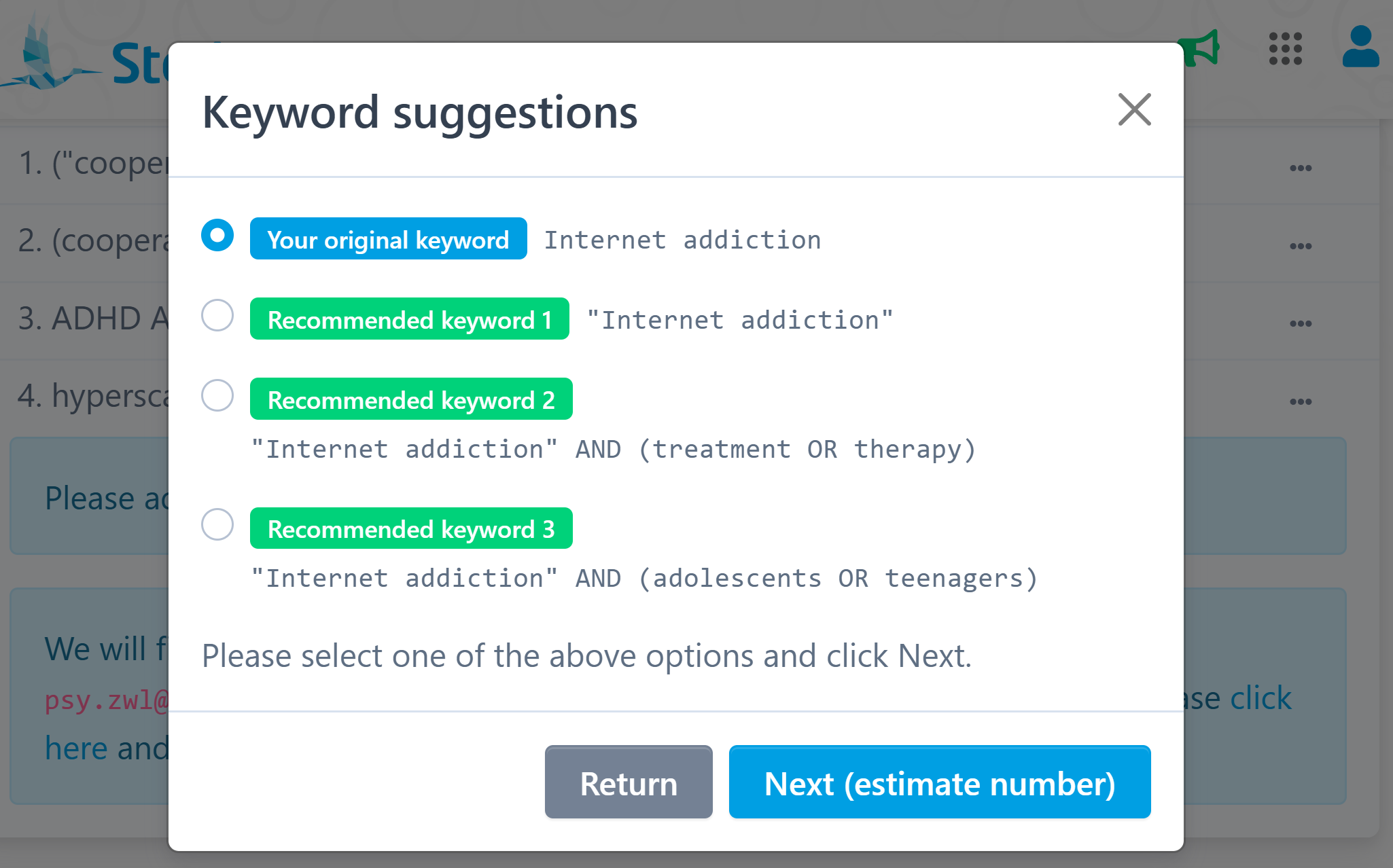
    Keyword suggestions

     Fine-tune your keywords for more accurate and effective tracking.

    2

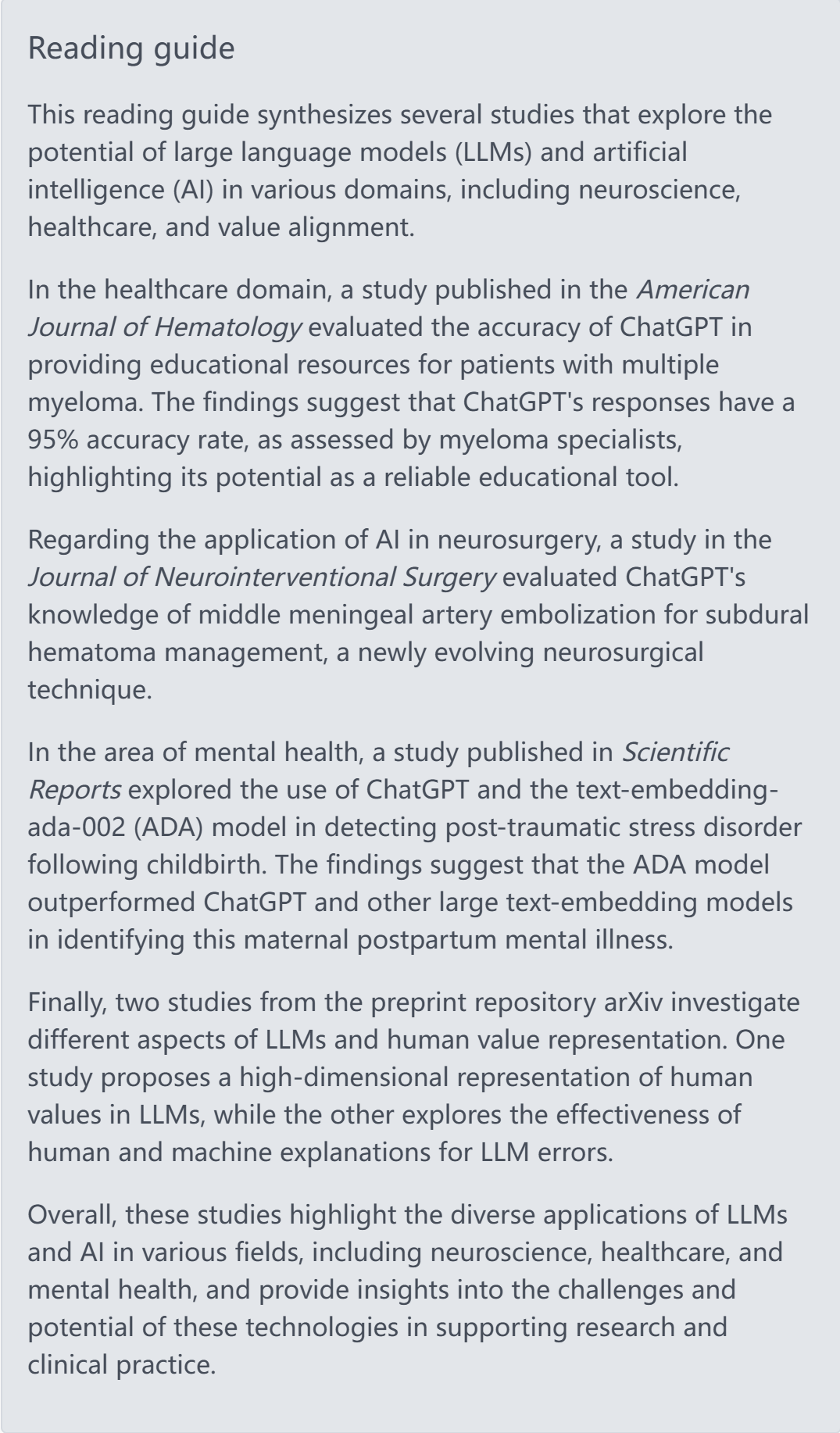
    Reading guide

    If there are many papers in an email, it’s hard to keep up with reading them all. We will summarize the content of the publications and create a reading guide, allowing you to stay updated more efficiently.

    3

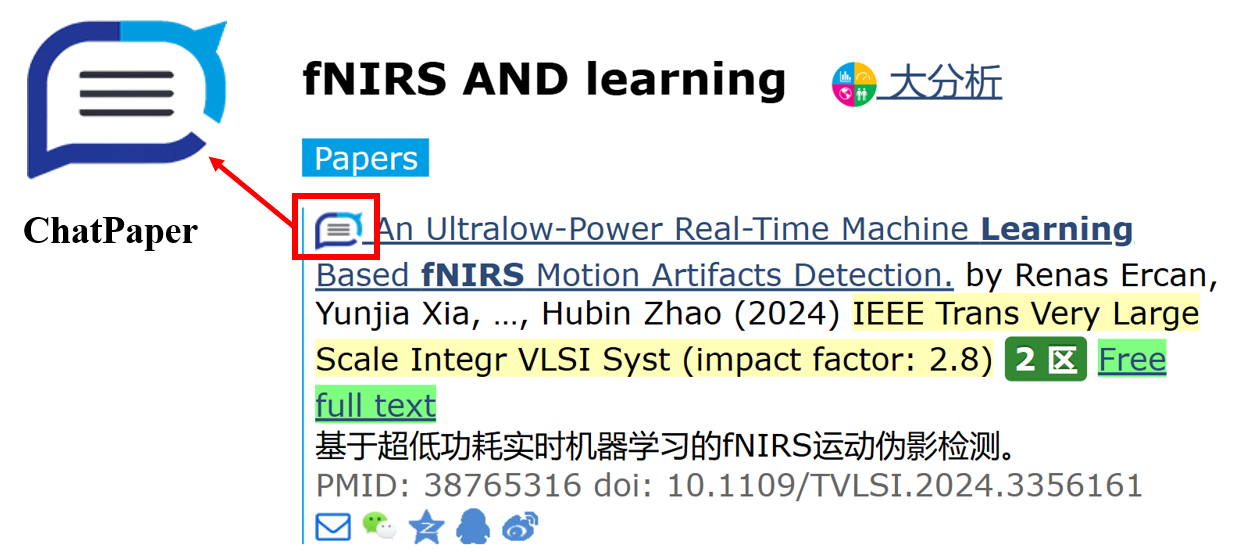
    Interactive Abstract Reading

    Link Stork emails with ChatPaper to seamlessly dive into abstract reviews. You can use ChatPaper to summarize the content, highlights, etc. of an article to help you quickly grasp the key points of it in a short period of time.


    Free productivity tool


    In 2024, we introduced two free tools to make your research process easier.

    1

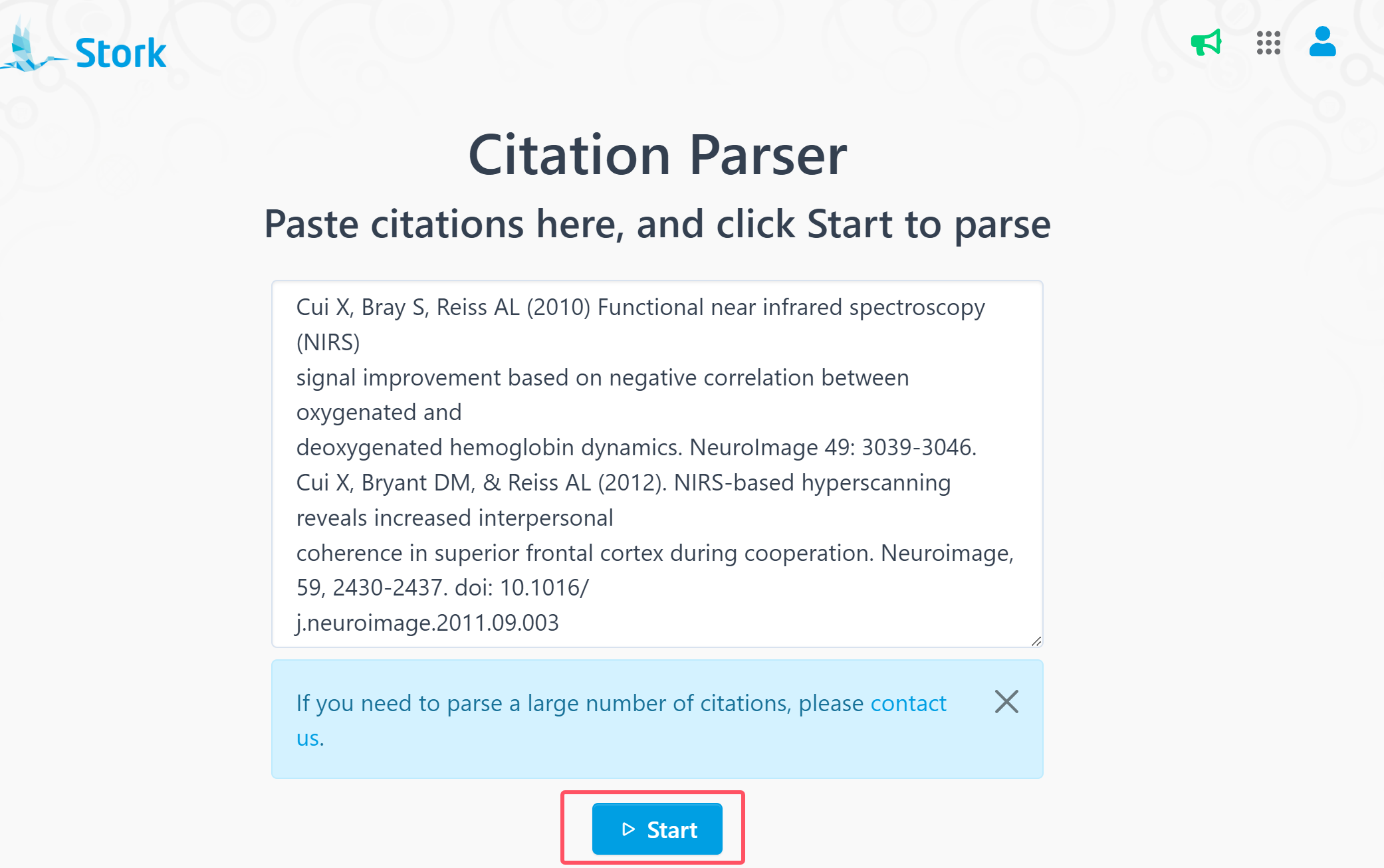
    Citation Parser

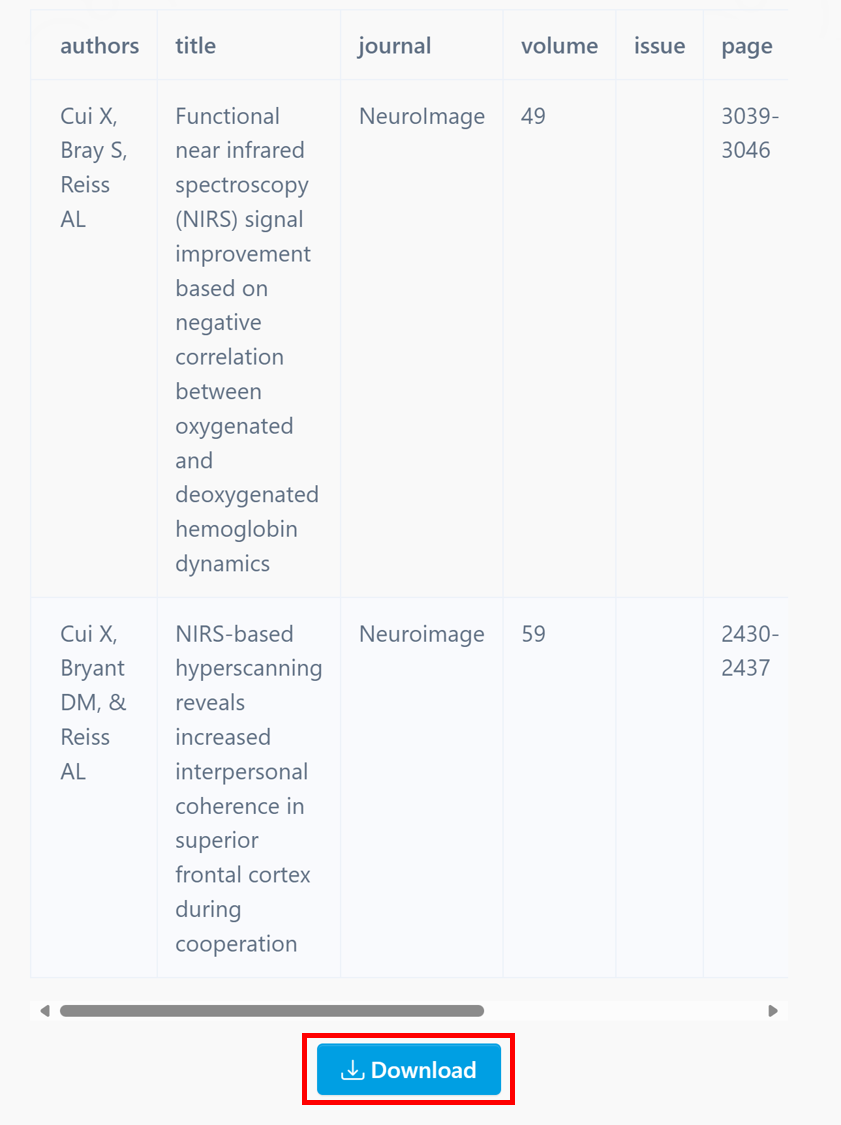
     A powerful tool designed to help you tidy up unstructured citations and transform them into a clean, structured table, ready for export as a CSV file. Try it out here: https://www.storkapp.me/citation-parser

    2

    Find Journal

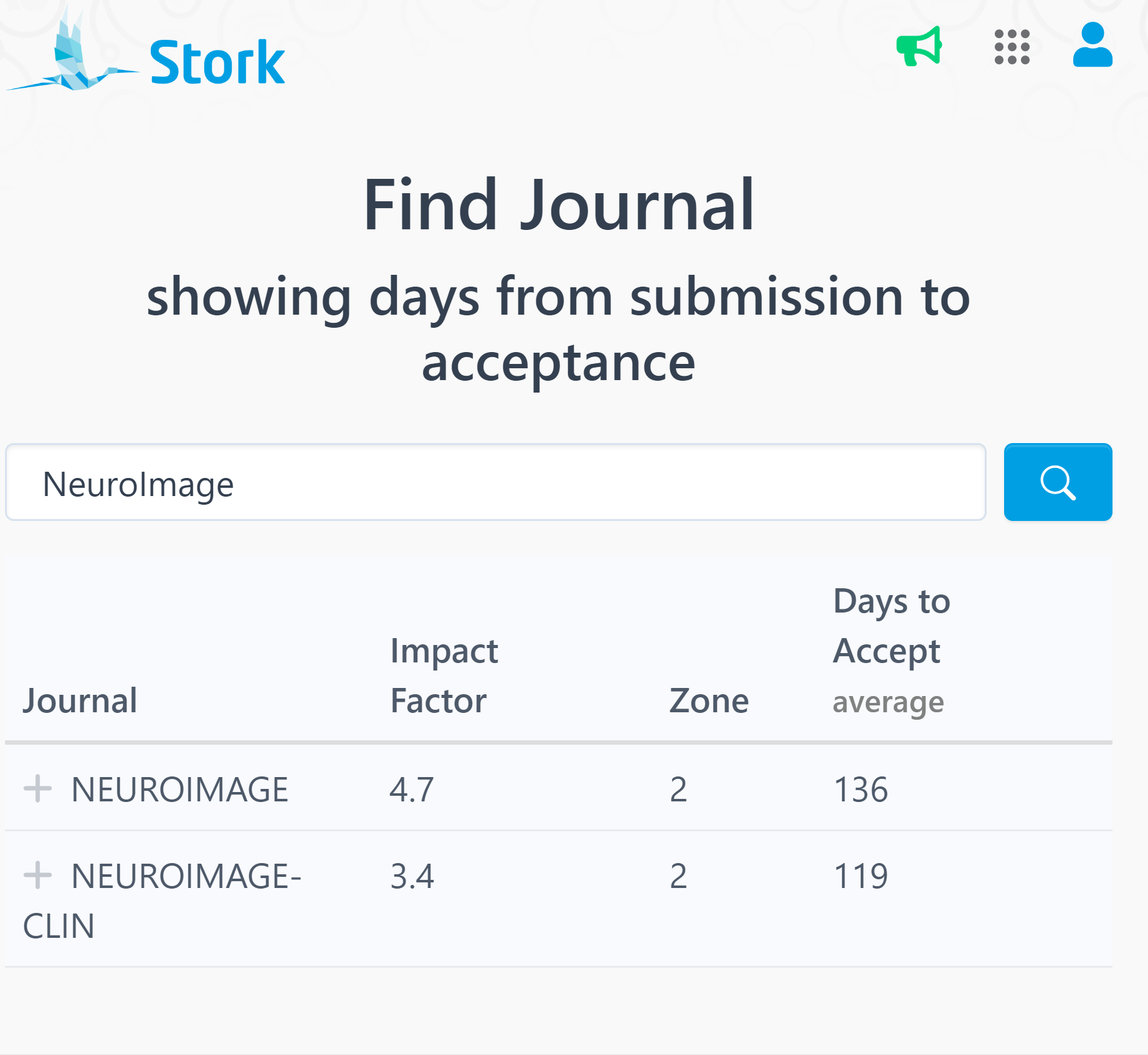
    A free journal search tool that reveals the number of days from submission to acceptance. Try it out here: https://www.storkapp.me/journal


    ๐Ÿ“

    This was our journey in 2024โ€”a year filled with innovation and progress. In 2025, we continue our commitment to support researchers with even more exciting updates. Have feedback or ideas? Weโ€™d love to hear from youโ€”letโ€™s continue to grow together!