
A professor recently shared her frustration about students using AI for academic writing:
This is a common concern with AI-assisted academic writing. A paper may contain dozens or even hundreds of references. You need to check not only whether the references actually exist, but also whether they support the claims they are cited for.
The Verify Citations feature in TrueCite can help with the first question.
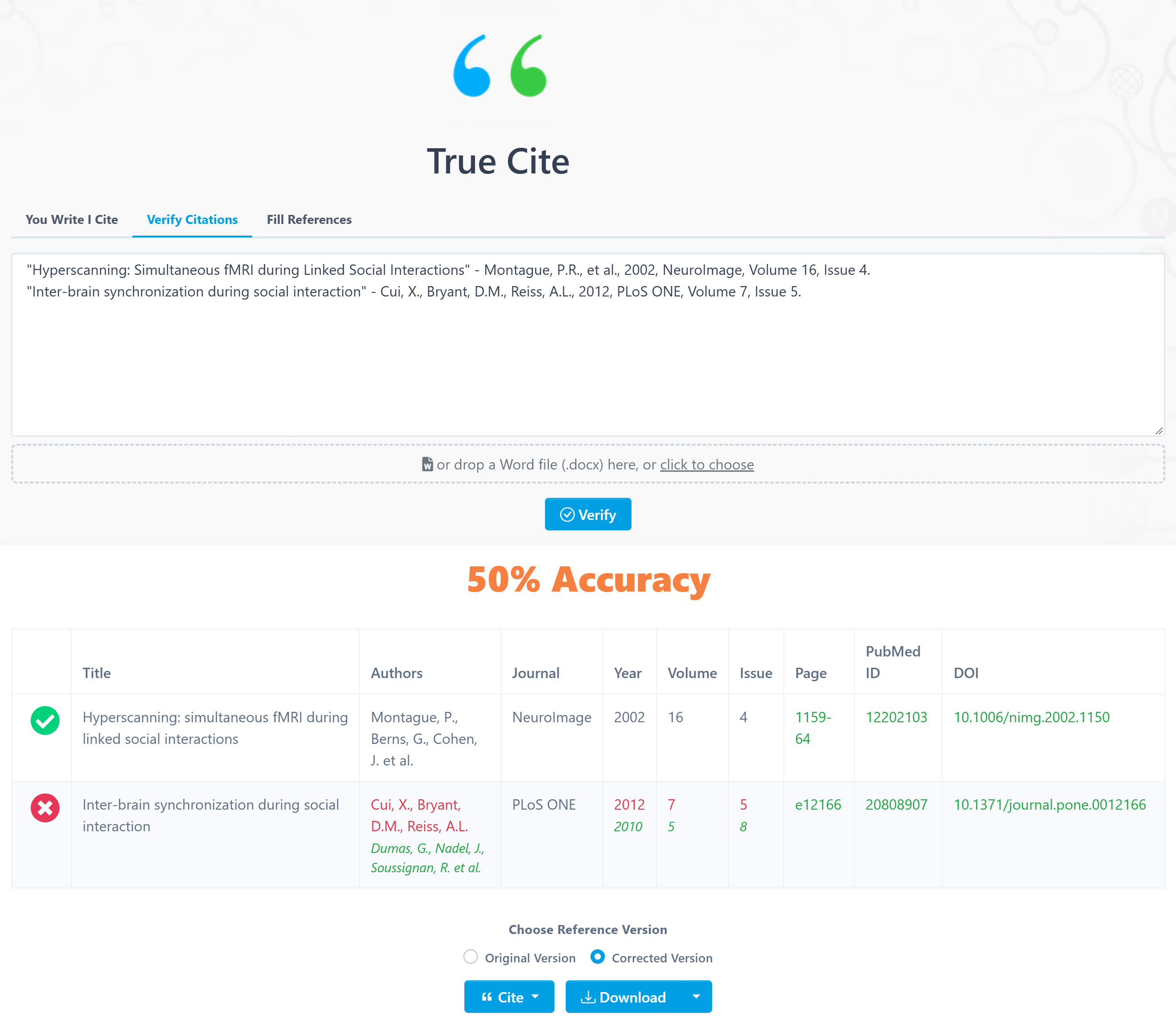
Simply paste your reference list, and TrueCite will search academic databases and verify each reference. It checks whether the title, first author, journal name, publication year, PubMed ID, and DOI match the database record.
This can help you quickly identify references that do not exist or contain inaccurate information, especially when checking AI-generated reference lists.
This is the new part of the update.
You can now paste your whole manuscript (body text + reference list) into TrueCite. The system will automatically identify the body text and reference list, so no additional headings are needed.
TrueCite will then check the in-text citations sentence by sentence and assess whether each cited paper supports the corresponding claim.
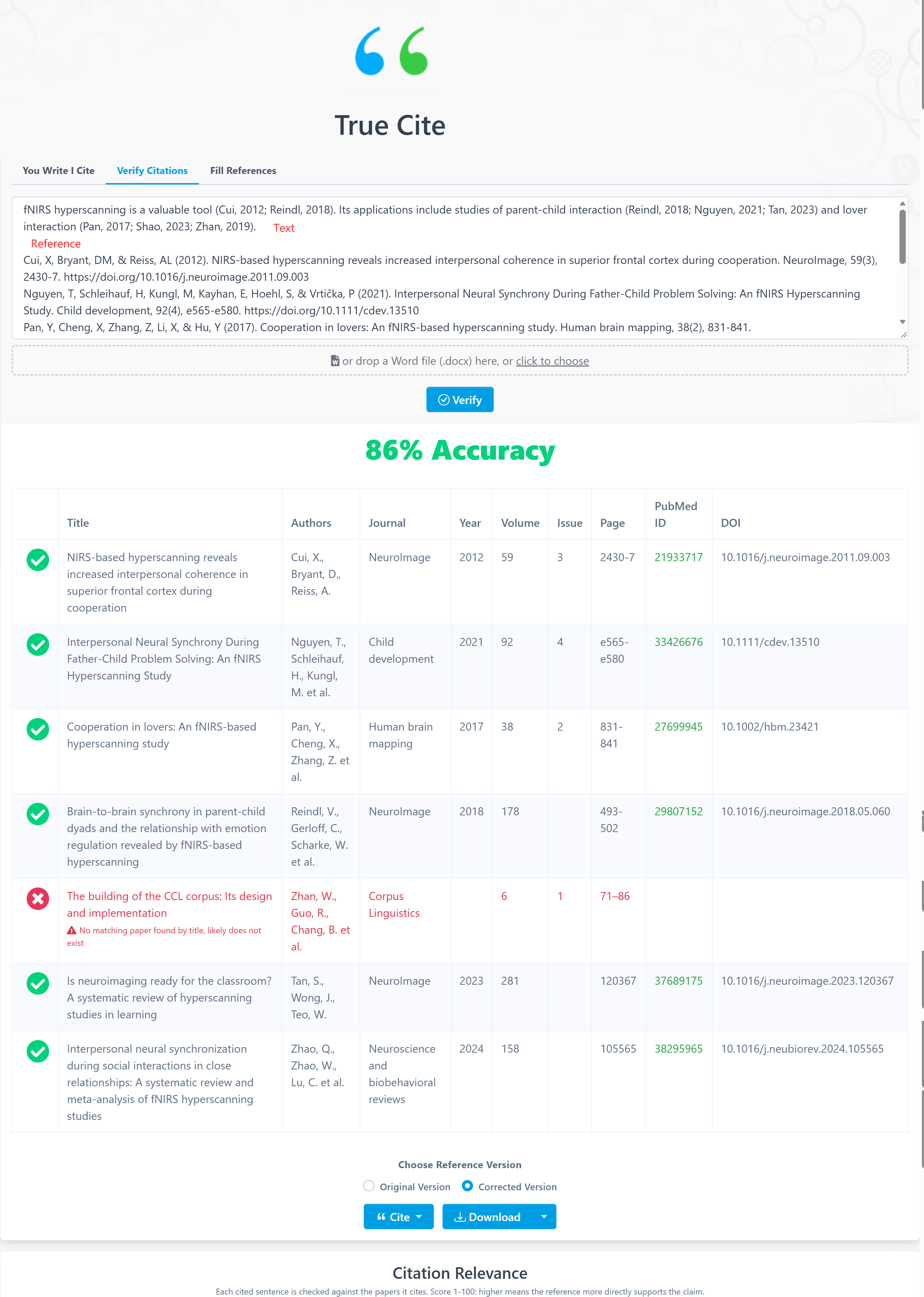
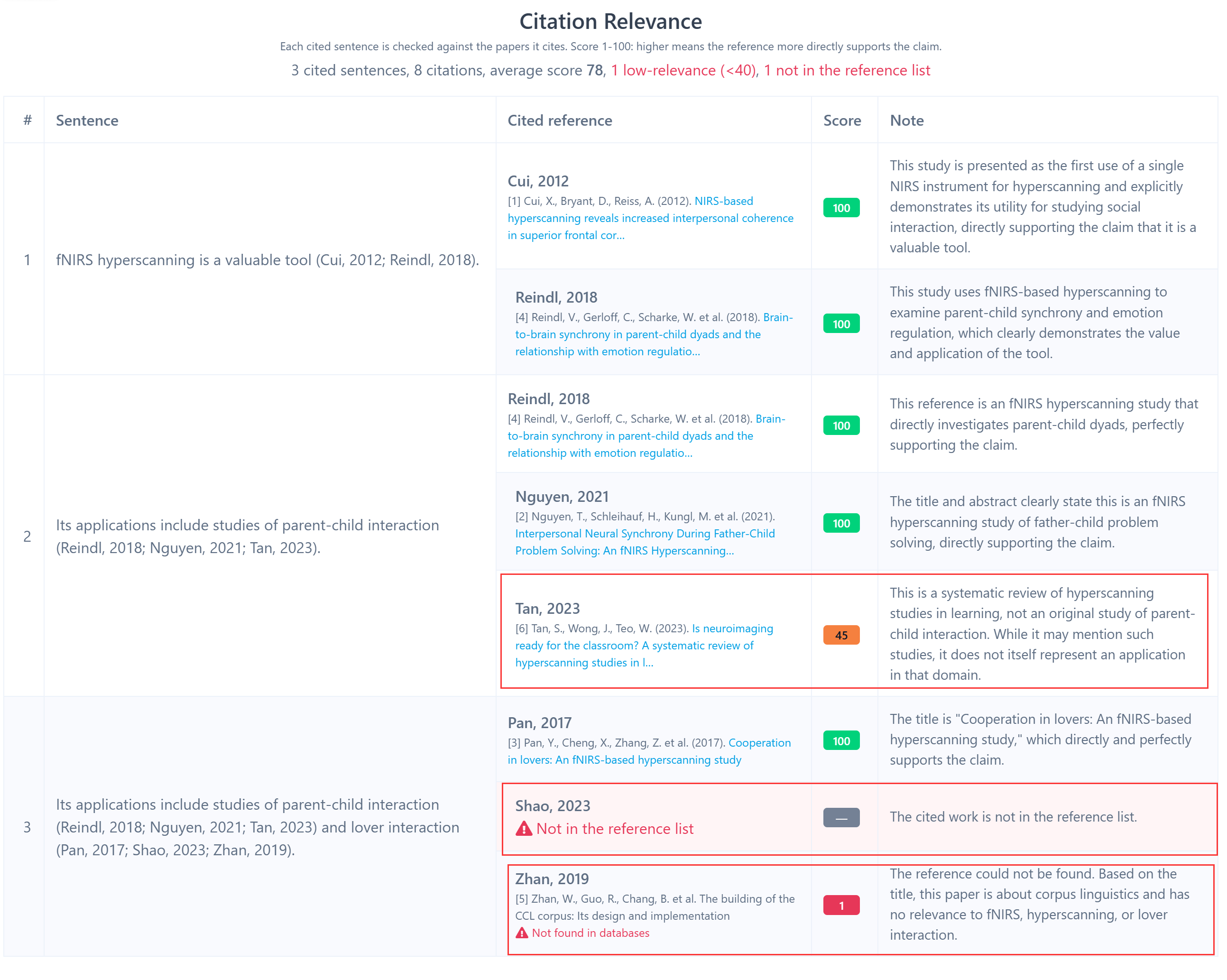
Each citation receives a relevance score from 1 to 100, together with a short explanation. This helps you identify citations that may need further review.
For example, Zhou (2025) receives a relevance score of 1 because the paper does not match the content of the text. Tan (2023) receives a score of 60. The paper is related to the general topic, but its content does not support the specific claim. Shao (2023) is cited in the text but does not appear in the reference list, so TrueCite flags it as well.
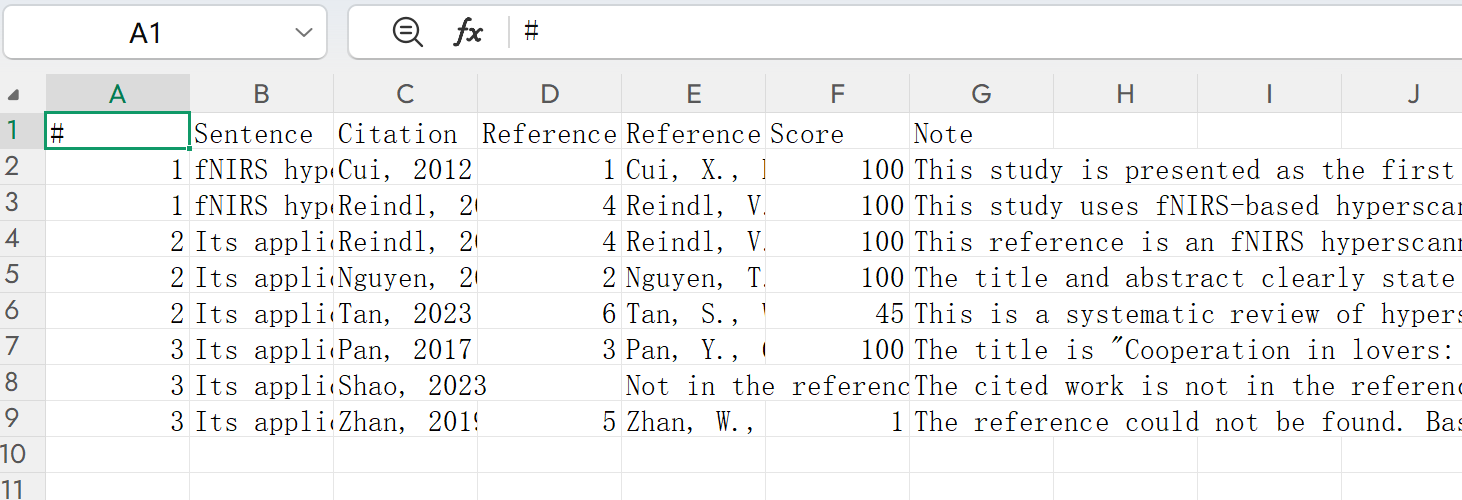
You can also click Download CSV to export the citation relevance results.
TrueCite also supports Word (.docx) files.
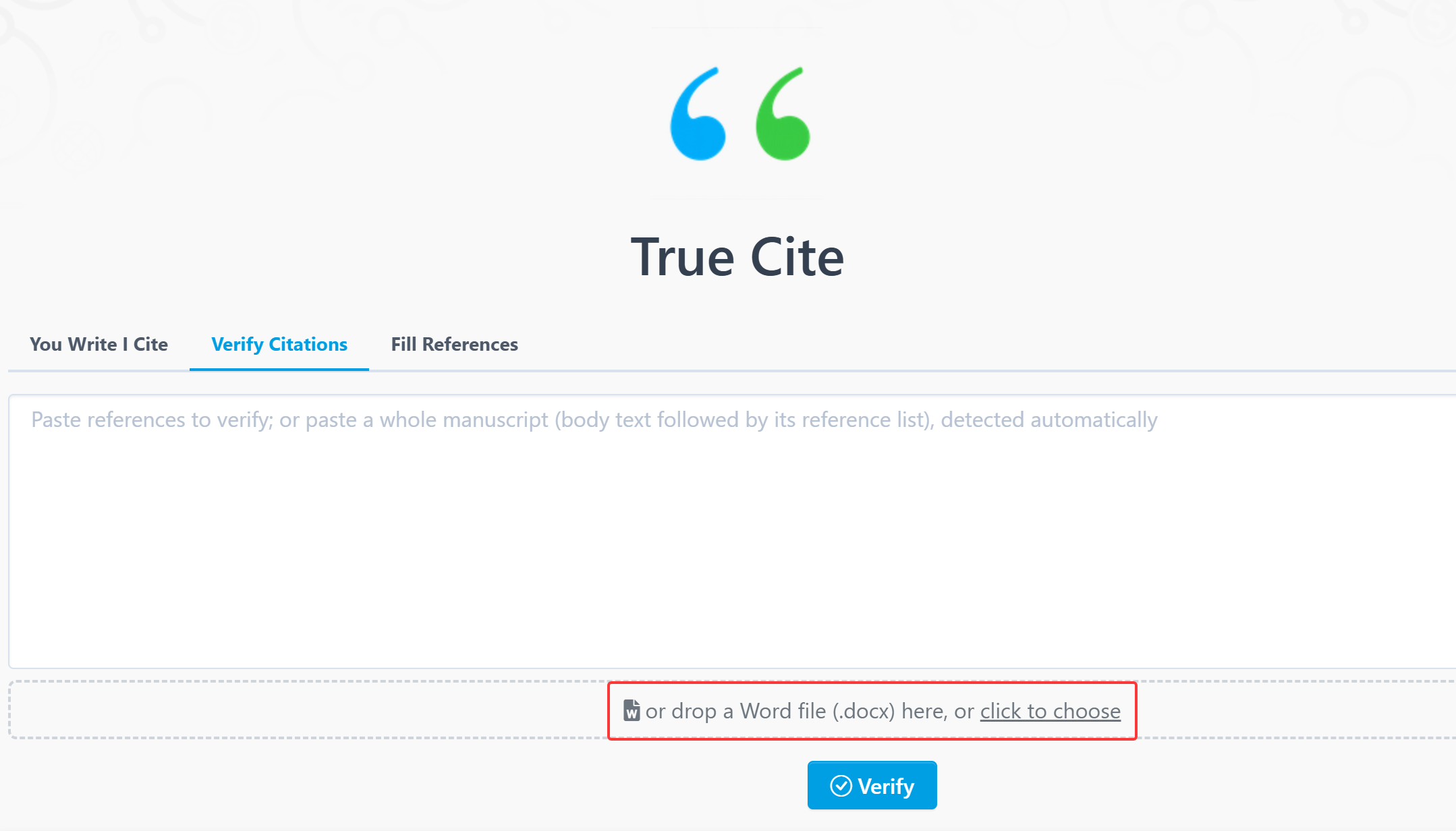
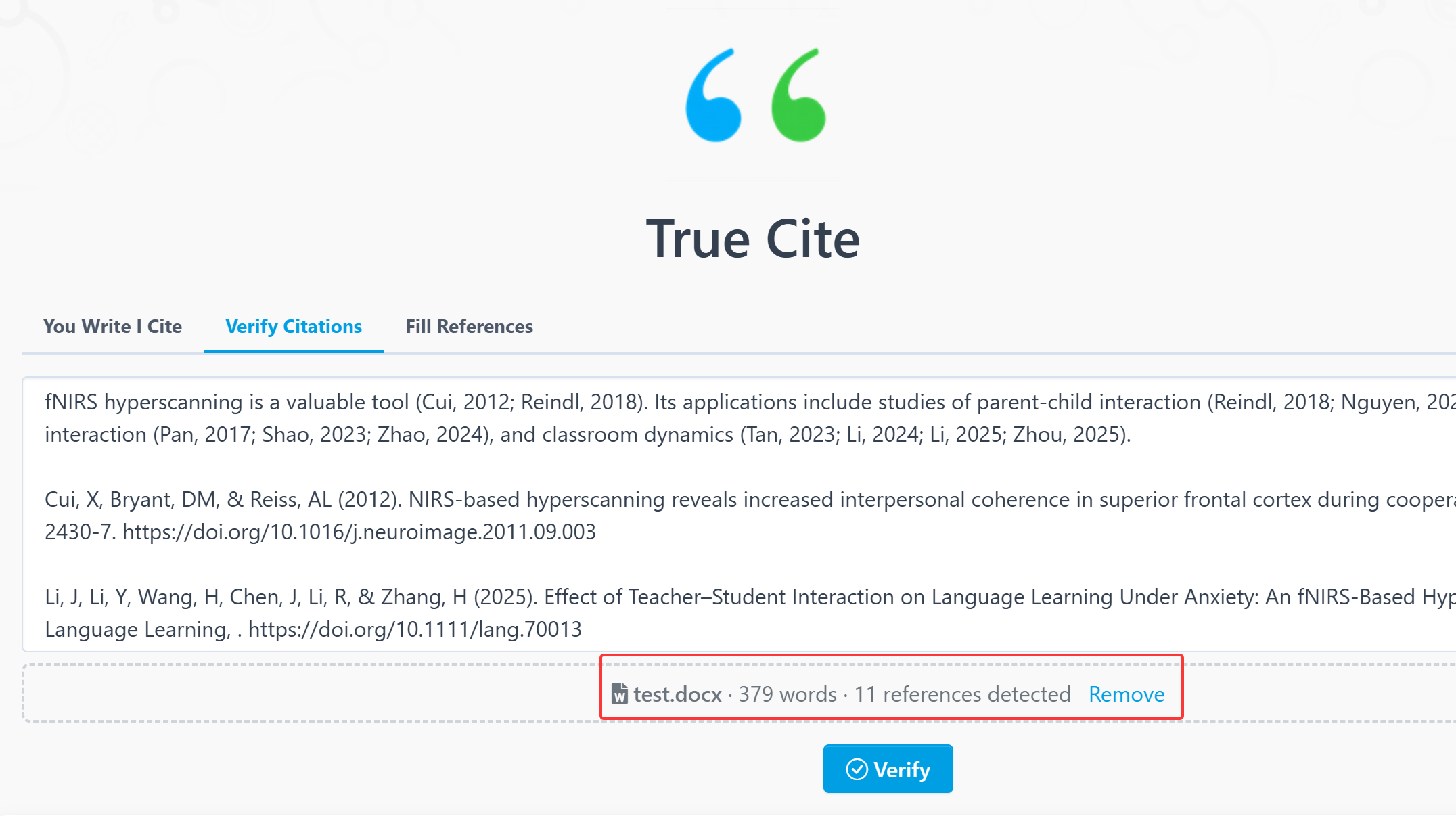
Checking citations one by one can be time-consuming. Verify Citations provides a quick first-pass check, helping you spot potentially problematic or low-relevance citations before reviewing the original papers yourself.
Try the updated Verify Citations feature in TrueCite.
【How to use】
TrueCite is an advanced feature offered by Stork, which requires a subscription (free trial is available). After registering/logging in to Stork (https://www.storkapp.me), you can find TrueCite under the advanced features section. Then you can try it out or subscribe. Alternatively, you can visit official TrueCite website directly at https://www.storkapp.me/truecite/


Leave a comment