TL; DR
Stork’s Listen to Papers • Podcast now sound more natural, let you choose the length, and support live conversations with the hosts. You can also find a full transcript of each podcast in your history.
Getting to know a paper can start with an interesting conversation. Stork’s Listen to Papers • Podcast feature can turn a paper into a podcast with two hosts discussing its research questions, methods, and findings.
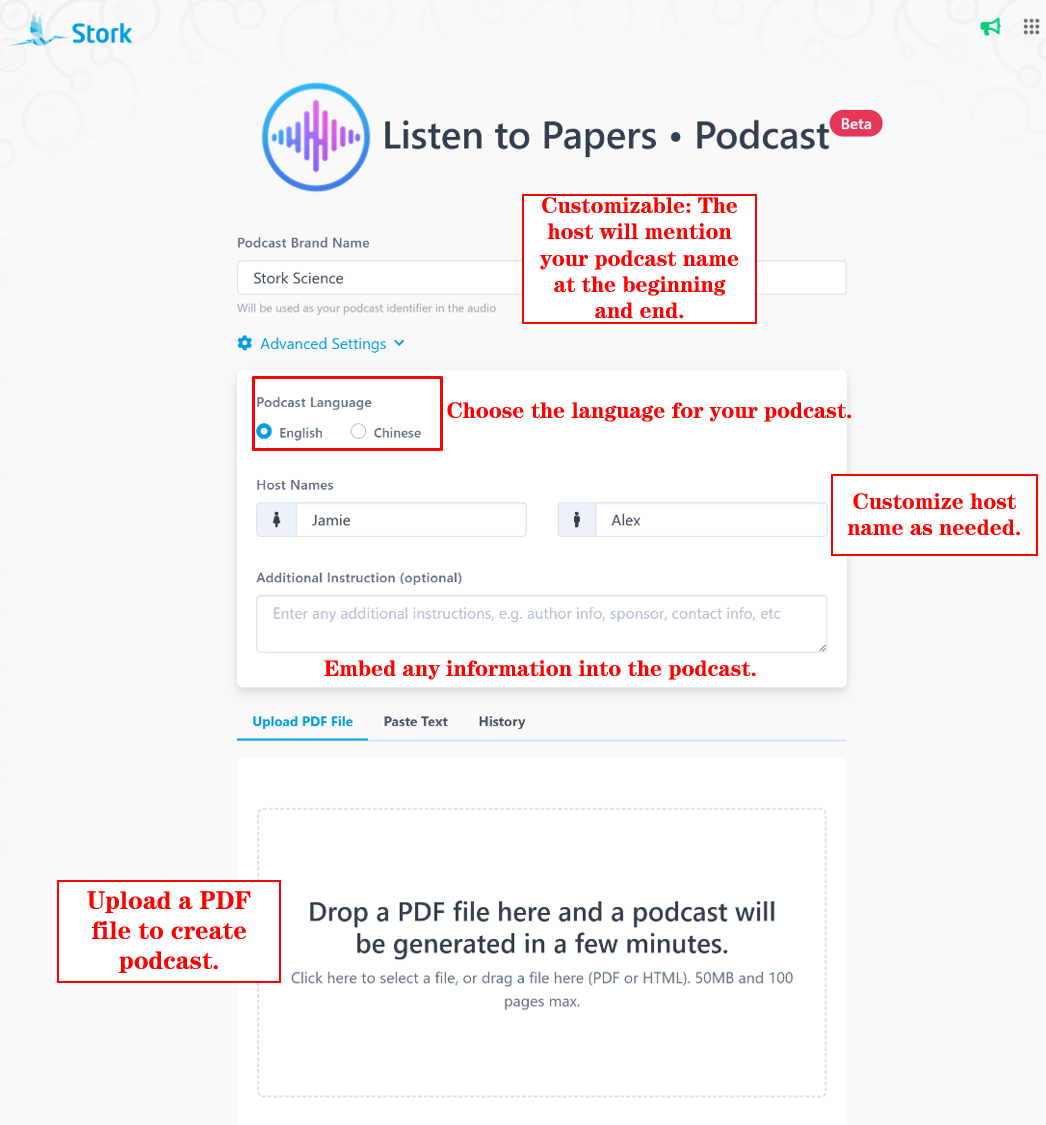
When you listen to a paper podcast, sometimes you just want a quick overview. Other times, you want to spend a little longer on the details or ask a few questions along the way. With this update, you have more ways to do both. Here’s what’s new.
More natural conversations
A good podcast isn’t just about what the hosts say. How they say it matters too.
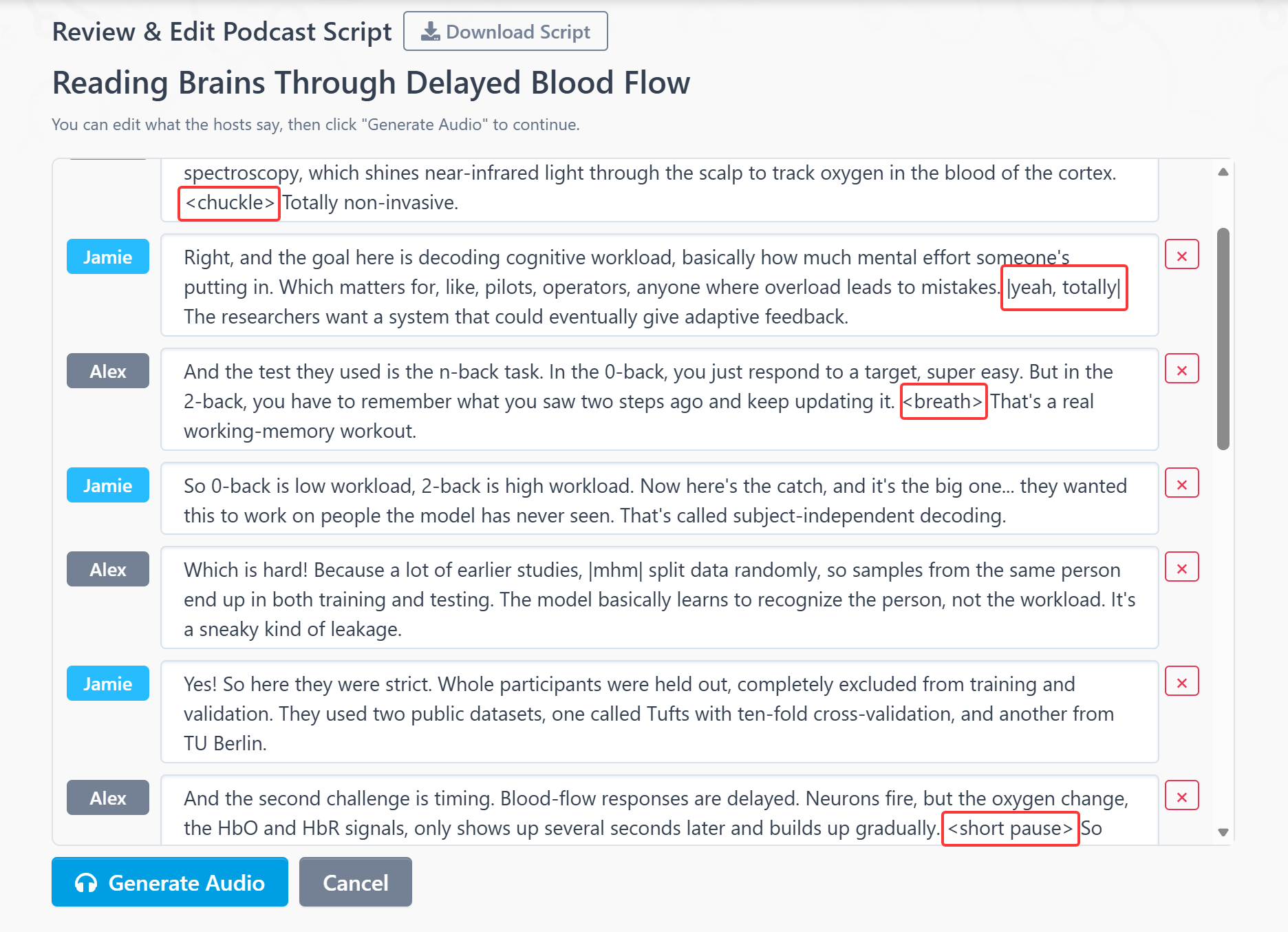
The hosts now sound more like people having a conversation. You might hear a laugh in agreement or a questioning tone as they discuss a point, making the discussion more natural to listen to.
Choose your podcast length
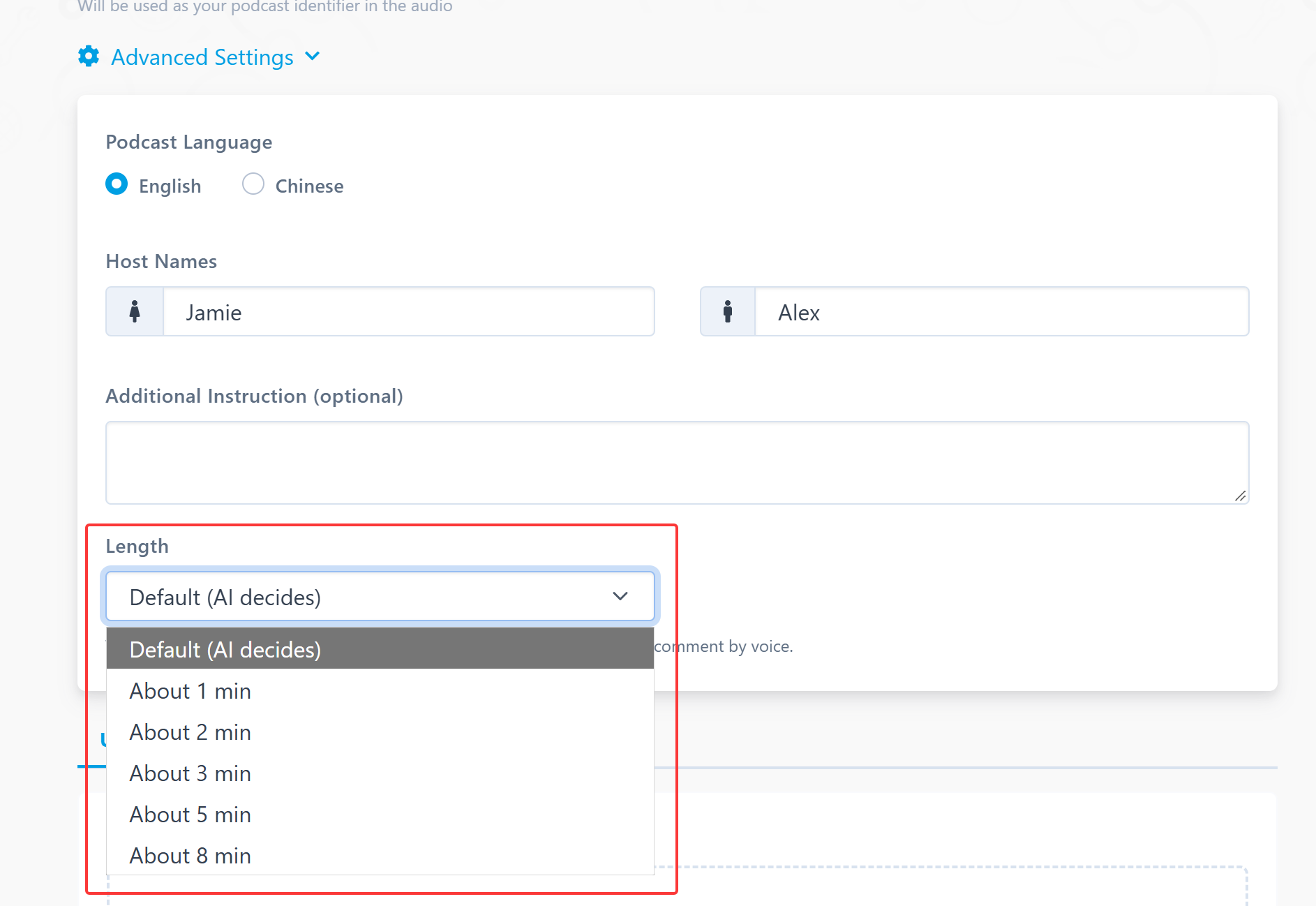
Want a quick introduction to a paper, or a closer look at the details? You can now choose the length before generating your podcast.
Pick approximately 1, 2, 3, 5, or 8 minutes, or let AI choose a suitable length based on the paper.
Join the conversation
Hear something interesting? Want to know more about the methods, or share your take on a finding? Now you can talk to the hosts directly.
While listening, click Join and ask your question or share your thoughts using your microphone. For example:
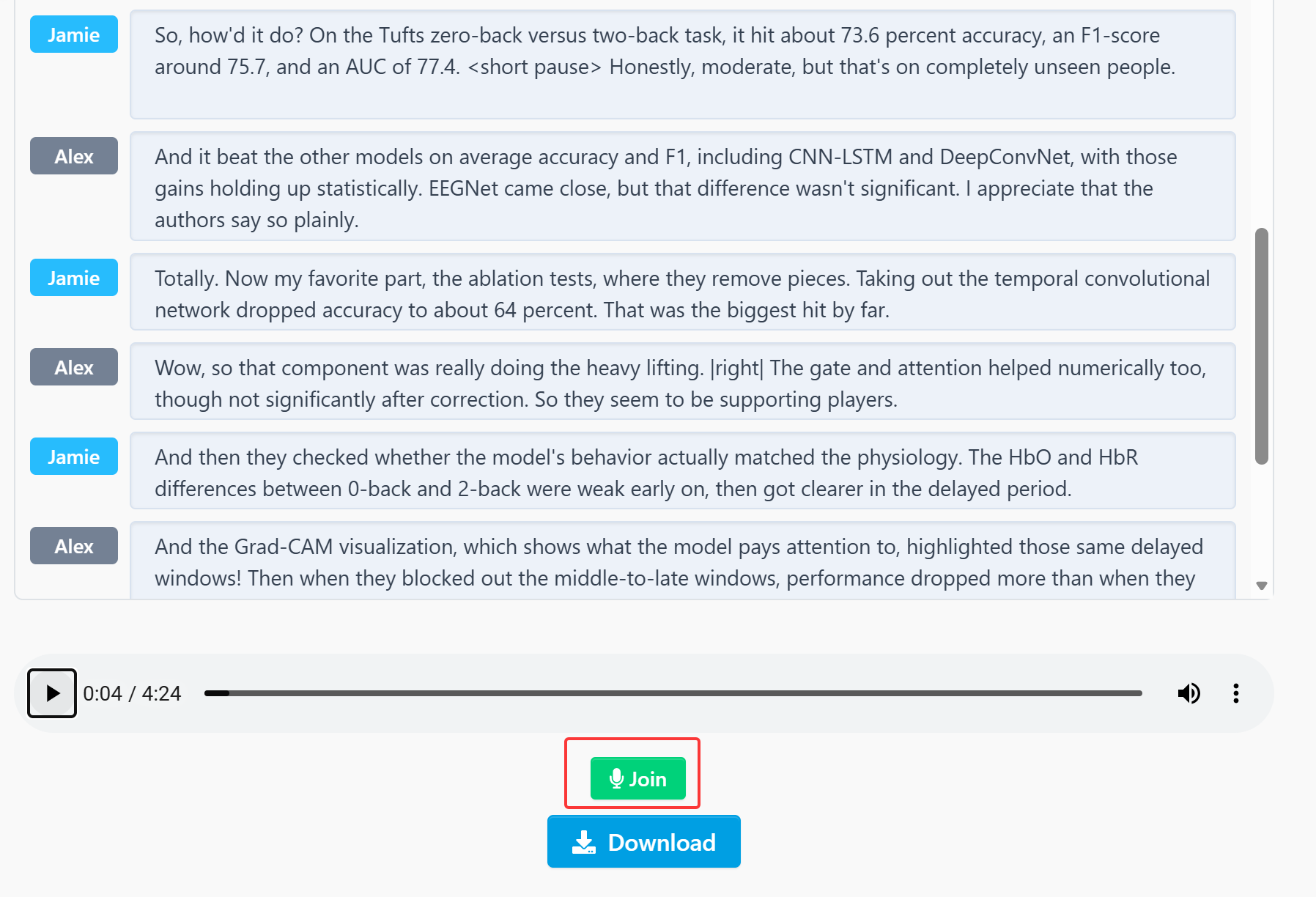
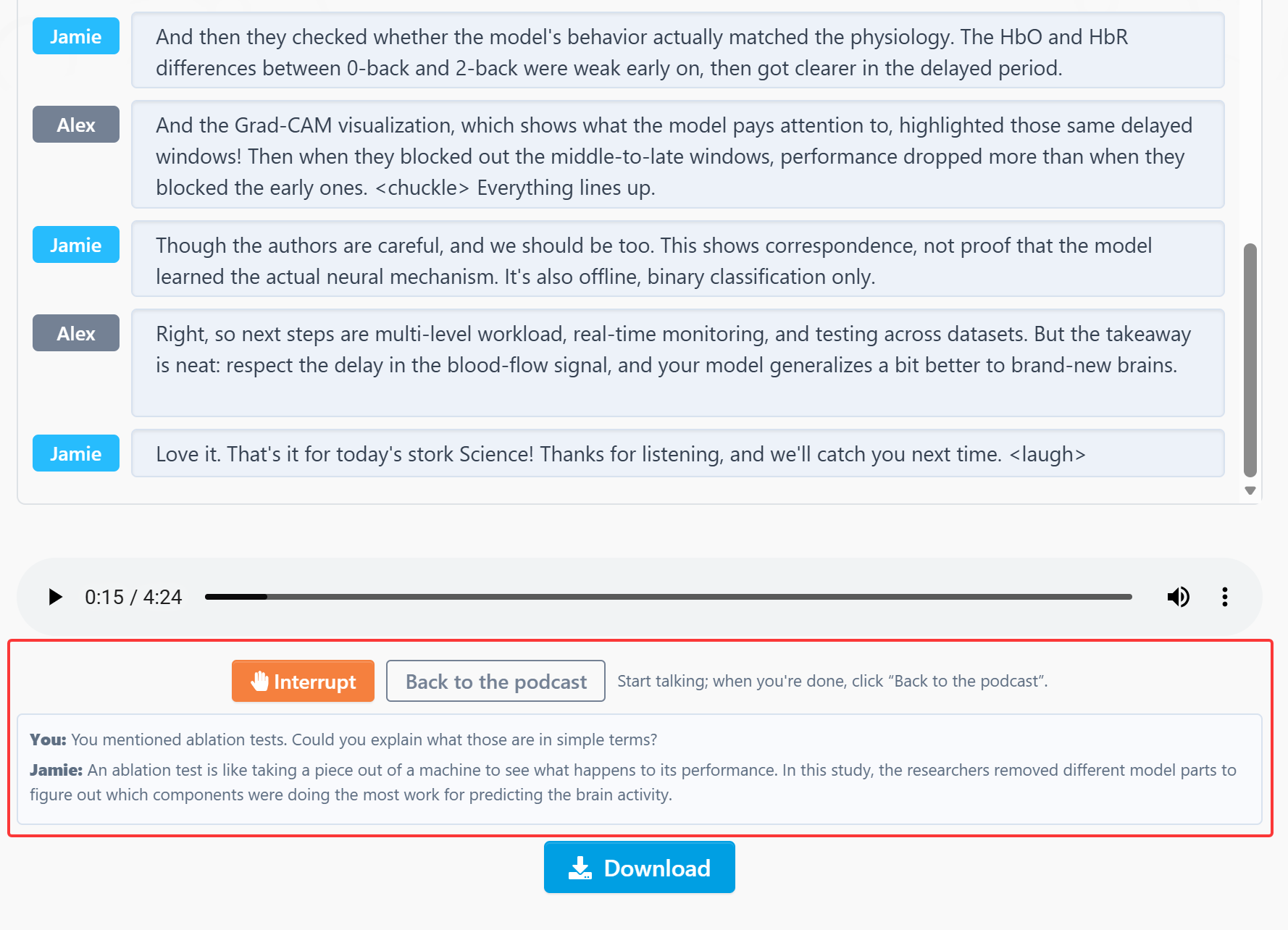
The host will start responding in about a second, using information from the paper. A text version of the conversation also appears on screen. If you misspeak, just correct yourself and say it again.
When you’re done, say “Continue”, click “Back to the podcast”, or stay quiet for a few seconds. The host will hand the conversation back to their co-host, and the podcast will pick up where it left off.
The first time you use it, please allow your browser to access your microphone.
Read the full transcript in your history
Want to revisit an explanation or look over what the hosts discussed?
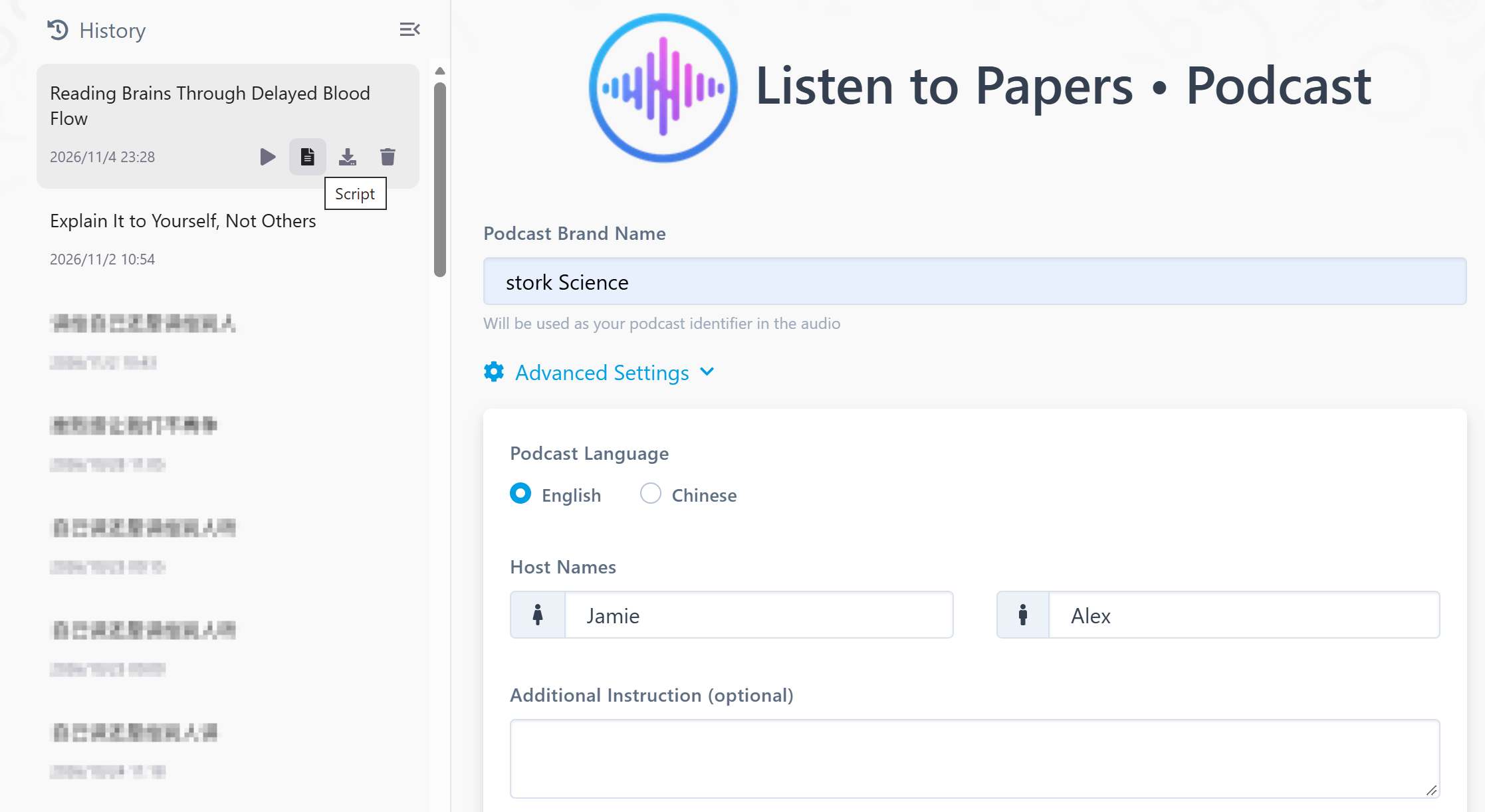
Each podcast in your history now has a Script button. Click it to read the full transcript of that episode.
We’ve also moved the history panel to the left side of the page—that’s where you’ll find your previous podcasts.
Pick a paper you’re interested in and try the updated podcast feature. Choose a length that works for you, listen to the discussion, and click Join whenever you have something to ask or share.
【How to use】
"Listen to Papers • Podcast" is advanced feature offered by Stork, which requires subscription (free trial is available). After registering/logging in to Stork (https://www.storkapp.me), you can find "Listen to Papers • Podcast" under the advanced features section. Then you can try it out or subscribe. Alternatively, you can visit "Podcast creation" website directly at https://www.storkapp.me/podcast/


Leave a Reply